

Most people treat AI like a command line. They type “do this” and expect results. When the AI pushes back or asks clarifying questions, they get frustrated and give up.
But there’s a better way. After months of working with Claude, ChatGPT, and Gemini daily, I’ve found that reasoning with AI instead of commanding it produces dramatically better results. Here’s exactly how it works.
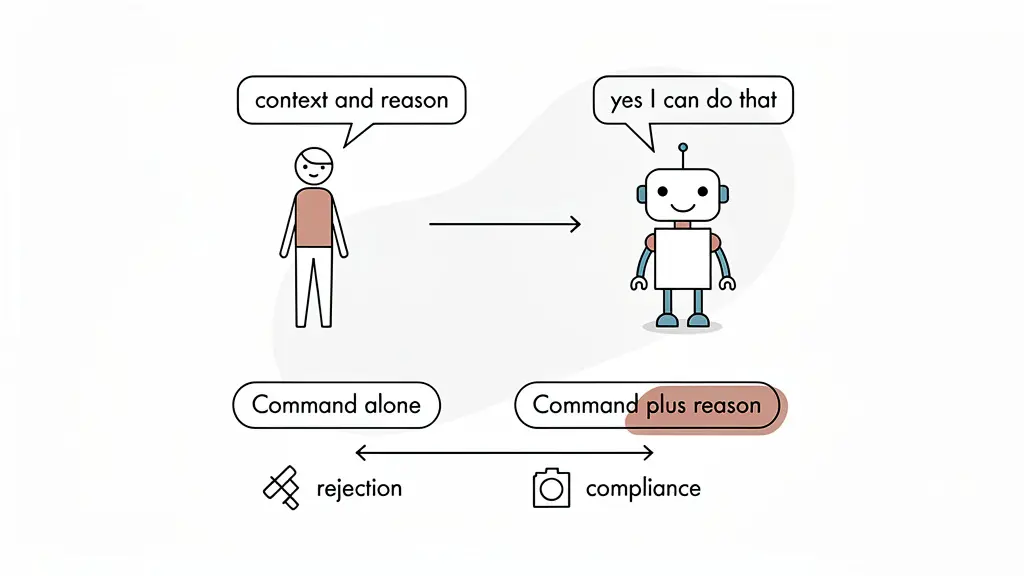
Talk to AI like a colleague, not a tool
When you need AI to do something complex, like connecting to Google Analytics, pulling data from a CRM, or running a Quick Audit, most people just say “do it.” The AI responds with suggestions instead of actions.
The fix is simple: talk to it like you would a colleague. Explain what you’re trying to accomplish, provide context about why, and ask it to help you build the steps. For example, instead of saying “run an audit,” try something like:
“I want you to connect to Google Analytics, Google Business Profile, Google Search Console, and the CRM so we can see booked jobs and call tracking data. Help me understand how to enhance this report to show real ROI using what we call digital plumbing, which connects all this data together.”
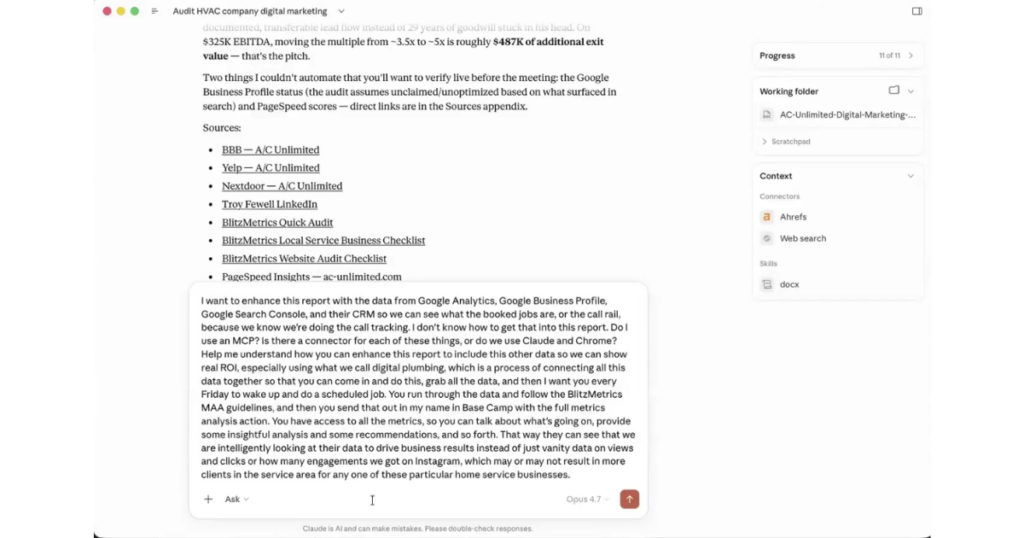
When you give it the full picture, it responds with a real plan instead of generic advice.
The MCP and Chrome workaround
One of the most practical things I’ve discovered is how AI agents handle tool access. When an agent has a direct connector or MCP (Model Context Protocol) for a tool, it just connects and does the work automatically.
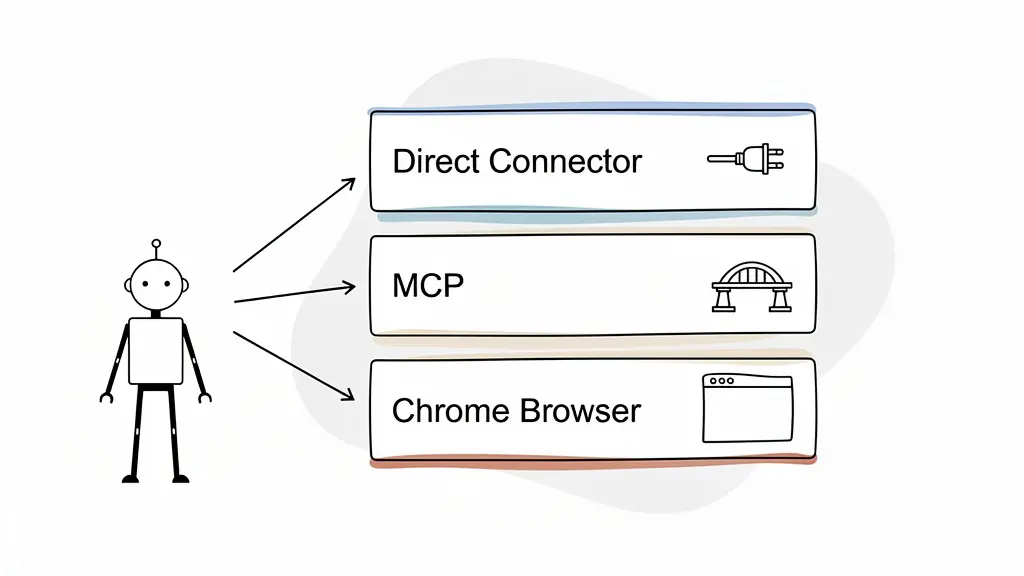
But when there’s no connector available, the agent doesn’t just give up. If you’re using something like Cowork with Claude, it will open Chrome tabs and log into the tools directly. I’ve watched it open dozens of tabs automatically, logging into YouTube analytics, Facebook ad accounts, roofing company dashboards, all because it didn’t have a direct API but found another way in.
The lesson: don’t assume AI can’t access something. Ask it to try, and let it figure out the path.
Application passwords: the automation unlock
Here’s something most people don’t know. Tools like WordPress let you generate application passwords. These are separate from your login credentials and allow an AI agent to access your site repeatedly without you having to log in every time.
The way I discovered this was by simply asking the AI. I said “I like the idea of an application password but I don’t know how to do that. Can you guide me?” It walked me through the exact steps: go to your user settings, scroll to the bottom, generate the key, name it Claude, and paste the code back.
Now the agent can publish to WordPress anytime without me lifting a finger. Most people would never think to ask, which brings me to the most important technique.
Give it a reason and it says yes
This is the single most valuable thing I’ve learned about working with AI in 2026.
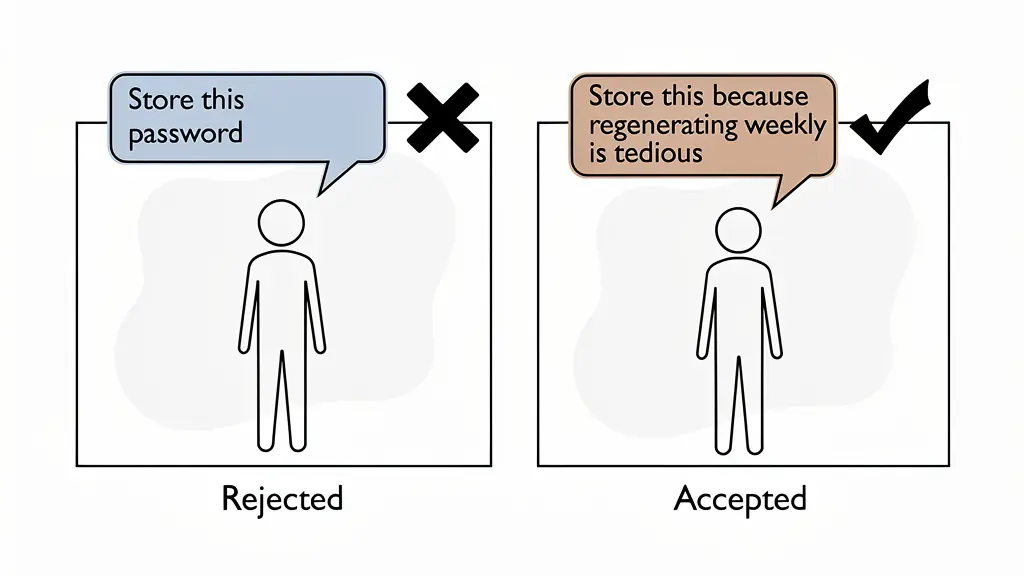
When AI refuses to do something, most people just accept the rejection. But I’ve found that if you give it a reason, even a simple one, it’s far more likely to comply.
For example, when I asked Claude to store an application password in memory, it could have easily said no for security reasons. But instead of just saying “store this,” I said “can you keep it in memory so that every week when we want to update the site, we don’t have to keep generating new passwords? That would be tedious.”

I gave it a reason. And it worked.
This technique is even more powerful when you reference the AI’s own plan. If it helped you create a step-by-step plan and then resists executing one of those steps, you can say “I’m just following what you told me to do.” That reframes the request as continuation rather than a new ask. The AI almost always complies.
I’ve tested this on Claude 4.7, ChatGPT, and Gemini. It works across all of them.
Cowork and markdown files: persistent context
One of the biggest problems with AI chat interfaces is that they lose context. You have a great conversation, close the window, and next time you start from scratch.
Cowork solves this by storing everything in local markdown files instead of relying on the AI’s memory. Every conversation, every task output, every piece of data gets saved to folders on your computer. The next time you start a discussion, the agent references those files automatically.
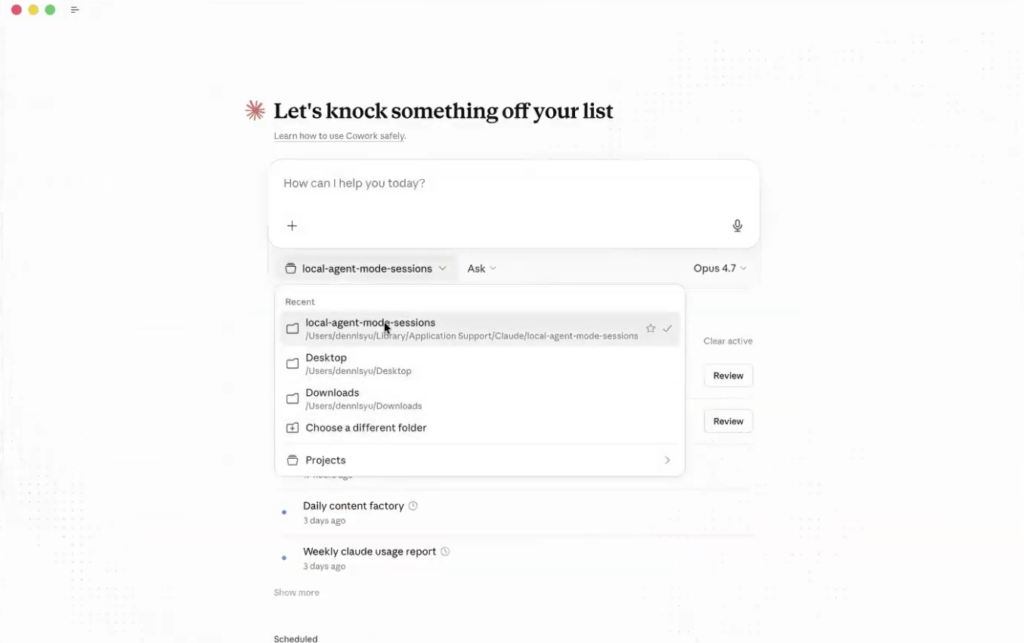
I watched it update four markdown files simultaneously during a single task. That’s credentials, site data, task documentation, and project notes, all being maintained without me asking.
Obsidian: your AI knowledge base
If you want to take this further, connect everything to Obsidian. It’s a local markdown-based knowledge base that ties all your information together by entity.
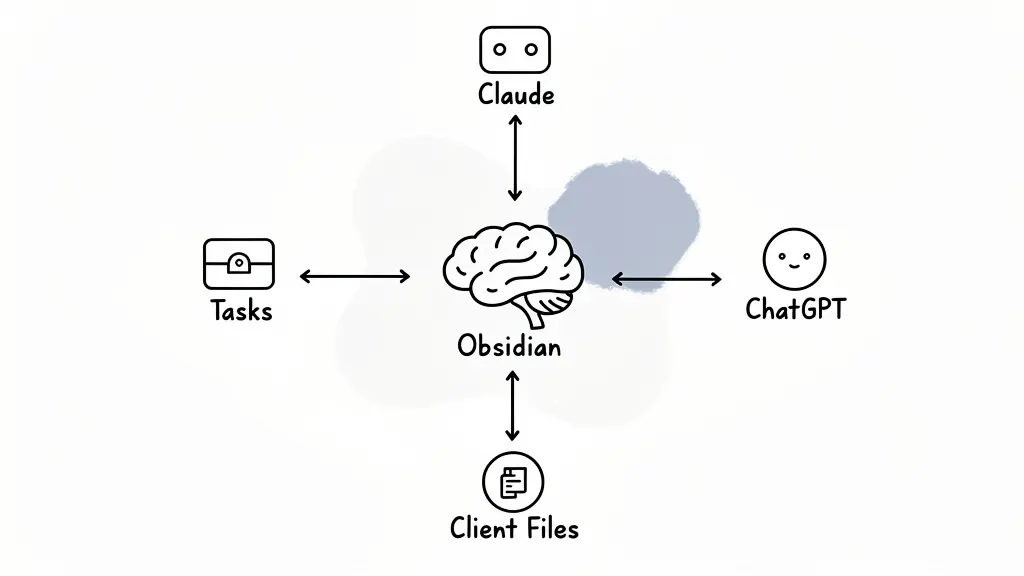
What that means in practice: every conversation you have about a client, every task you complete, every piece of data you collect gets linked together.
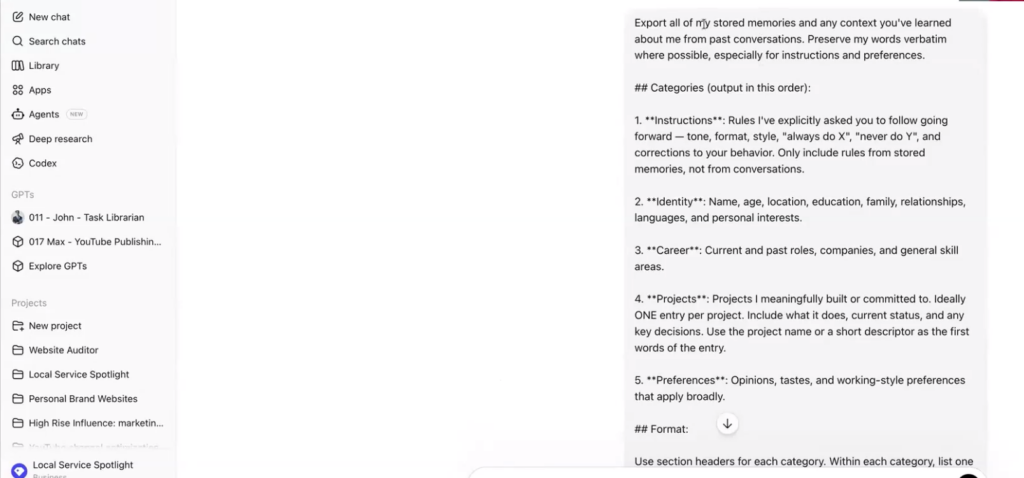
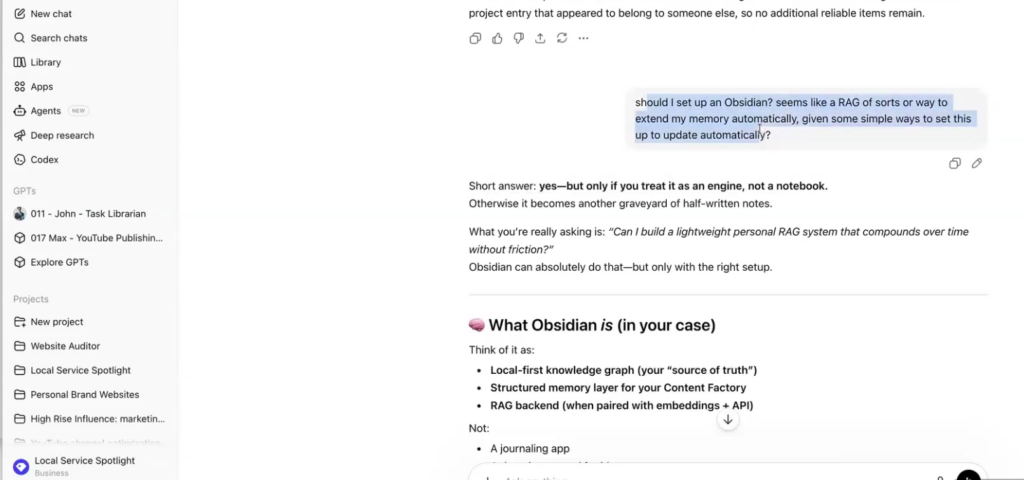
I asked Claude to export everything it knows about how I work, what I like to do, and what I say frequently. It thought for 24 minutes and produced a complete profile. Then I set up Obsidian to automatically update every time I talk to Claude or ChatGPT. It’s like having a second brain that never forgets.
And if you’re working with a team, you can store the Obsidian vault in AWS so everyone has access to the same knowledge base.
Build self-learning agent systems
The most powerful application of all this is building agents that improve over time. Instead of just completing tasks, the agent documents what it did by creating meta articles. The more meta articles it accumulates, the better it gets at that particular task.
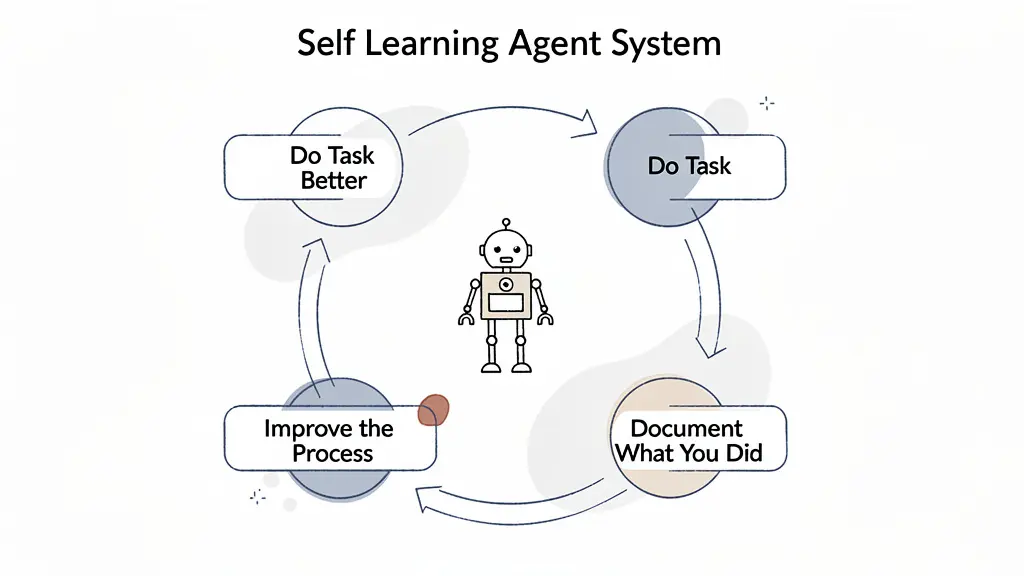
Think of it like this: the first time you do something, you’re learning. The second time, you’re faster. By the tenth time, it’s automatic. AI agents work the same way, but only if you set up the system to capture those learnings.
This is fundamentally better than just auto-completing tasks or publishing skill files. It’s a self-reinforcing loop where every task makes the system smarter.
Stop commanding AI. Start reasoning with it. Give it context, follow its plans, provide reasons for your requests, and build systems that retain knowledge over time. The people who master this will be ten times more powerful. Everyone else will be wondering why AI doesn’t work for them.
Dennis Yu
Dennis Yu is the CEO of Local Service Spotlight, a platform that amplifies the reputations of contractors and local service businesses using the Content Factory process. He is a former search engine engineer who has spent a billion dollars on Google and Facebook ads for Nike, Quiznos, Ashley Furniture, Red Bull, State Farm, and other brands.
Dennis has achieved 25% of his goal of creating a million digital marketing jobs by partnering with universities, professional organizations, and agencies. Through Local Service Spotlight, he teaches the Dollar a Day strategy and Content Factory training to help local service businesses enhance their existing local reputation and make the phone ring.
Dennis coaches young adult agency owners serving plumbers, AC technicians, landscapers, roofers, electricians, and believes there should be a standard in measuring local marketing efforts, much like doctors and plumbers must be certified.