Before we implement anything for a client, we collect access. Not some of it, not eventually — all of it, at kickoff, in one pass. This page is the list we work from.
Access is the first stage of the Social Amplification Engine: plumbing, goals, content, targeting, amplification, optimization. You cannot optimize what you cannot measure, and you cannot measure what you cannot log into. Every phase after this one depends on getting this one right.
The nine accesses
Rows 1 through 4 are the gate. Content does not ship to a property until those four are green. Rows 5 through 9 are collected in the same pass, because asking once is respectful and asking six times is not.
| # | Access | Why it matters | What “green” means |
|---|---|---|---|
| 1 | Google Search Console | The only source of truth for what a site ranks for and what Google refuses to index. Rank trackers show what ranks; only Search Console shows what is eligible to rank. | Property verified, our operating account added, sitemap submitted with Success status |
| 2 | Website admin (CMS) | Publishing, schema, titles, redirects. Without it, every change becomes a ticket for somebody else. | Admin login and an application password stored, so agents publish without a human in the loop |
| 3 | Google Analytics 4 | Sessions, conversions, and which pages actually earn business. Pairs with Search Console to close the loop from query to outcome. | Property live, tag firing, internal traffic filtered, linked to Search Console |
| 4 | Google Tag Manager | The install point for every future tag. Adding it later means redoing work you already did. | Container published with a real container ID — an empty container is a false green |
| 5 | Domain registrar and DNS | Domain verification, email deliverability, and the ability to move the site at all. | Login, or a named contact who actually responds; record where DNS is hosted |
| 6 | Google Business Profile | Local pack, reviews, the map listing. This is a different thing from a personal Knowledge Panel — people conflate them constantly. | Claimed, with manager access granted to us |
| 7 | YouTube and video | The raw material. Most personal-brand content starts as something the client already said on camera. | Channel access, or a reliable export path |
| 8 | Social profiles | Consistent identity, sameAs schema, and amplification. | Handles confirmed and recorded; access where amplification is in scope |
| 9 | Ad accounts | Dollar-a-Day, boosting, retargeting. | Business Manager access with the correct role |
Why this page got rewritten in July 2026
On June 14, 2026 we published sixteen how-to guides to a client’s site. Good work, shipped complete. Five weekly reports afterward said the same thing: rankings flat, new content takes four to twelve weeks, nothing to do.
On July 27 we checked Google’s index directly instead of only checking rankings. Six of the sixteen guides had never been indexed at all. A page outside the index has a ceiling of zero — waiting does not fix it. We had not noticed for six weeks because that site had no Search Console property. The same check found no Google Analytics and no Tag Manager either. Sixteen articles, shipped into a property with zero measurement installed.
Nobody skipped a step. The step wasn’t on the list. The client-facing “here’s what we need from you” note had five items on it, and Search Console was not one of them — because that list was written from memory rather than generated from this checklist.
Two things had to change, and both are worth stealing.
1. A checklist published as pictures is not a checklist
Until today, this page was five slide images and no text. Beautiful slides — they are still at the bottom of this page, because the teaching in them is good. But an image cannot be read by a search engine, quoted by an AI assistant, or parsed by one of our agents. It could not be executed, so it was never enforced.
If you keep your standard operating procedures as slides, screenshots, or PDFs, your team has documentation and your systems have nothing. Write the words.
2. An audit is only as honest as its denominator
We already ran a Search Console coverage audit. Ten days before this incident it confidently reported ninety-two sites missing a property — and the site that actually broke was not among them. It could not be. That audit took its list of sites from our hosting fleet, and this was a client site we publish to but do not host. It was structurally incapable of appearing as a gap.
So we rebuilt the list from the work instead of from the hosting: stored credentials, the hosting fleet, client rosters, and every client project folder. A property now earns a row simply because we do work for it. That took the audit population from 105 to 265 properties — 160 of which no previous audit could see.
Then we measured all 265. The results, from public page data only:
| Finding | Count |
|---|---|
| Properties in scope | 265 |
| Reachable over HTTPS | 203 |
| Unreachable — parked, dead, or DNS never pointed | 62 |
| Carrying a Search Console verification tag | 41 |
| No analytics at all — no GA4, no Tag Manager | 150 |
| Reachable, no verification tag, and no analytics | 127 |
| — of those, on our own hosting | 50 |
| No stored publish access | 188 |
| Sitemap exists but is not referenced in robots.txt | 39 |
We are publishing this because the number is embarrassing and because you almost certainly have the same number. Fifty of them are sites we host ourselves.
One honest caveat, since it matters for anyone copying this method: a missing verification tag does not prove there is no Search Console property. Verification by DNS record, by Analytics, or by Tag Manager leaves no trace in a page’s HTML. But a site with no verification tag and no Analytics and no Tag Manager has only one remaining possible route — DNS — so 127 is a considered estimate of properties we are flying blind on, not a raw count of missing tags. Say what your data can and cannot support.
The full root cause analysis, including the fleet-wide numbers and what we changed, is written up in Six articles Google never saw.
The rules
- Capture at kickoff, not at need. Asking for Search Console access on day one costs one line in an email. Asking on day forty-two costs a conversation about why six articles were invisible.
- Record it where the audit can see it. Access that lives in someone’s memory or a private message is access you do not have. If it is not in the register, no audit will ever check it.
- Ownership stays with the client. We take Full or Owner as an operator; we never take the client’s place. On Search Console the client’s Google account holds Owner and our operating accounts are added as users.
- Granting permissions is a human step. Our agents prepare the property, the verification token, and the exact emails and roles — then a person clicks Add user. Agents do not modify access controls, even when asked.
- Blocked is a status, not an ending. Record the blocker, name what it prevents you from seeing, and route it to someone who can clear it. An unrouted blocker is just a wish.
Search Console, step by step
The full illustrated walkthrough lives at how to verify client sites in Google Search Console, and the choice between property types is covered in Domain vs URL-prefix properties. The short version:
- Add a URL-prefix property. Domain properties need DNS access — use URL-prefix when you have the site but not the registrar.
- Copy the verification meta tag from the HTML-tag method.
- Paste it into the site’s head. On our stack that is Rank Math → General Settings → Webmaster Tools. On other stacks, the theme’s header-scripts field or an SEO plugin.
- Click Verify.
- Submit the XML sitemap and confirm it reads Success.
- Add users — client as Owner, your operating accounts as Full. Human step.
- Link Search Console to GA4: GA4 Admin → Product links → Search Console links.
- Record the property and the verification method, so this access can never quietly go missing again.
Traps we have actually hit
- Flush the sitemap cache before submitting. One of our sites listed 1,059 URLs against 1,447 published articles. Submitting it as-is would have hidden 393 articles from Google.
- An empty Tag Manager container reads as installed. Check for a real container ID, not just the presence of the script.
- Some sites block Google’s verification fetcher while serving Googlebot normally. Allowlist the verifier’s user agent before blaming the token.
- Sitemap in robots.txt is not automatic. Thirty-nine of our properties have a working sitemap that robots.txt never mentions.
- Do not let an SEO plugin’s bulk-settings endpoint write a single field. At least one popular plugin replaces entire option groups when you do, and will erase settings you never touched.
How we make it stick
A checklist nobody checks is a document. Ours is wired into four places so it enforces itself:
- A register built from the work — credentials, hosting, client rosters, and project folders — so a property earns a row by our doing anything for it.
- An audit script that probes every property for verification, analytics, sitemap, robots reference, and publish access. No logins required.
- A weekly scheduled run of that audit, so a missing property surfaces in seven days instead of six weeks.
- A skill in every agent’s pack, so the “what we need from you” list is generated from this standard instead of recalled from memory.
That fourth one is the piece most teams miss. The checklist has to live where the work happens, or the work will route around it.
Related
- Verify client sites in Google Search Console — the illustrated walkthrough
- Domain vs URL-prefix properties — which one to add, and why
- Digital Plumbing — the stage this checklist opens
- The System — how the whole loop fits together
- Metrics, Analysis, Action — what you do once you can finally see the data
The original course pages
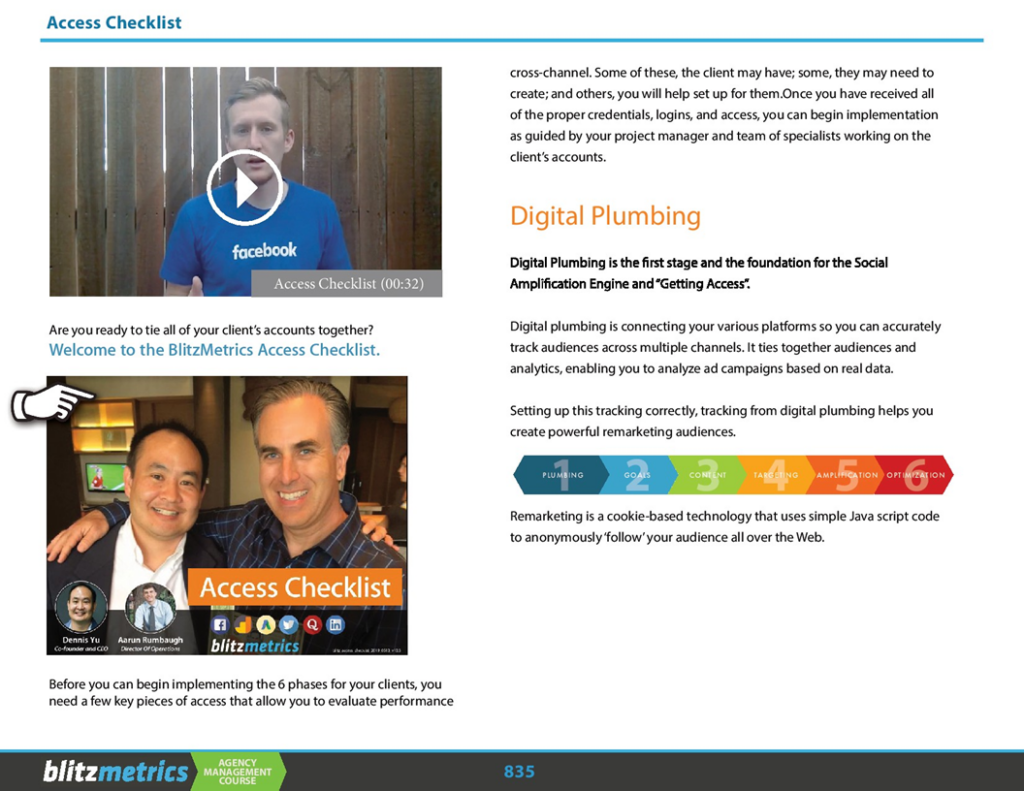
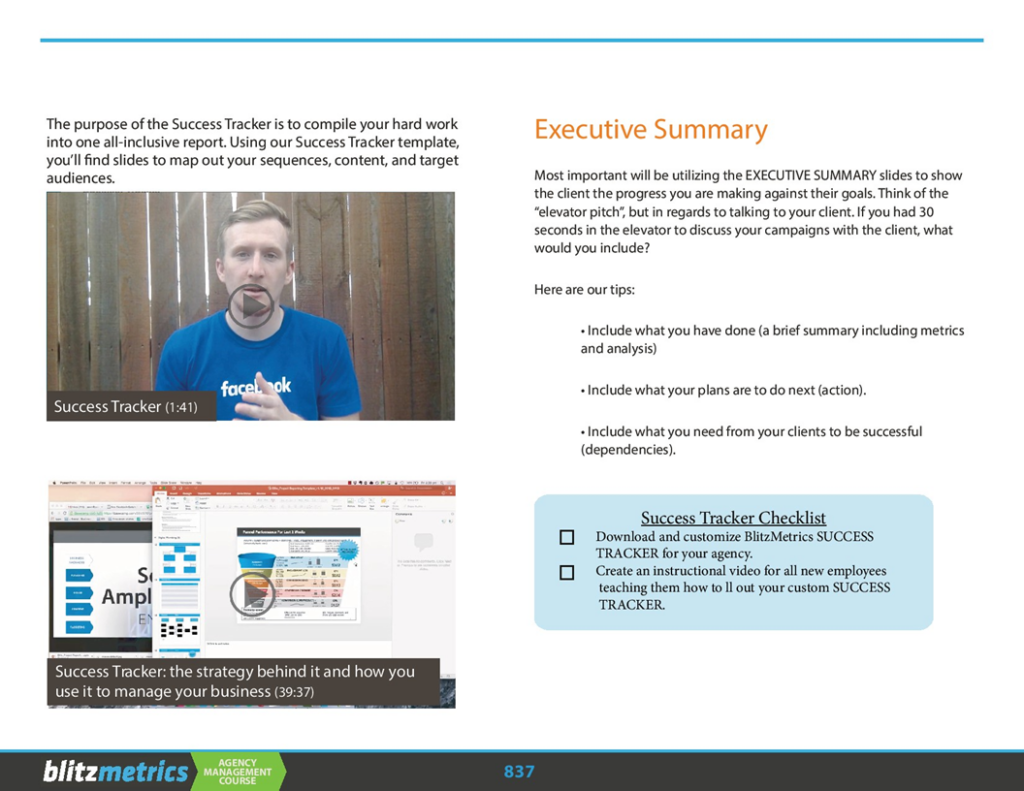
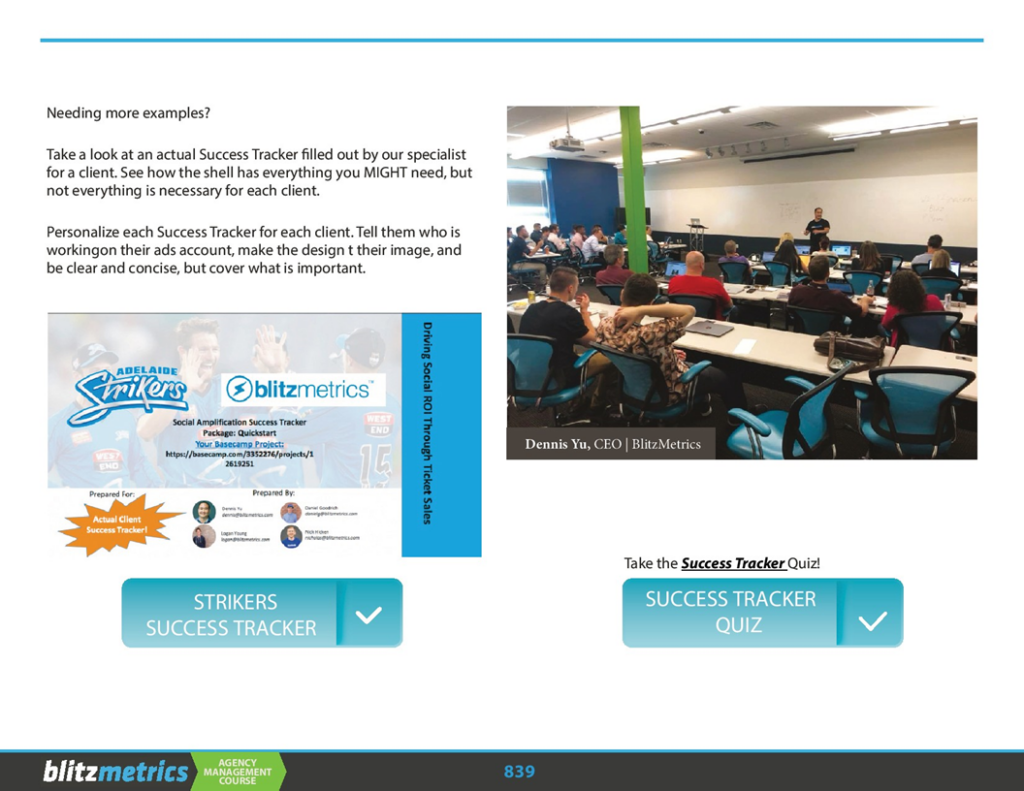
These five pages are from the BlitzMetrics Agency Management Course and cover the reasoning behind digital plumbing, tag management, and the Success Tracker we report against. They stay here because the teaching is still right — they just needed words around them.