
 by
by
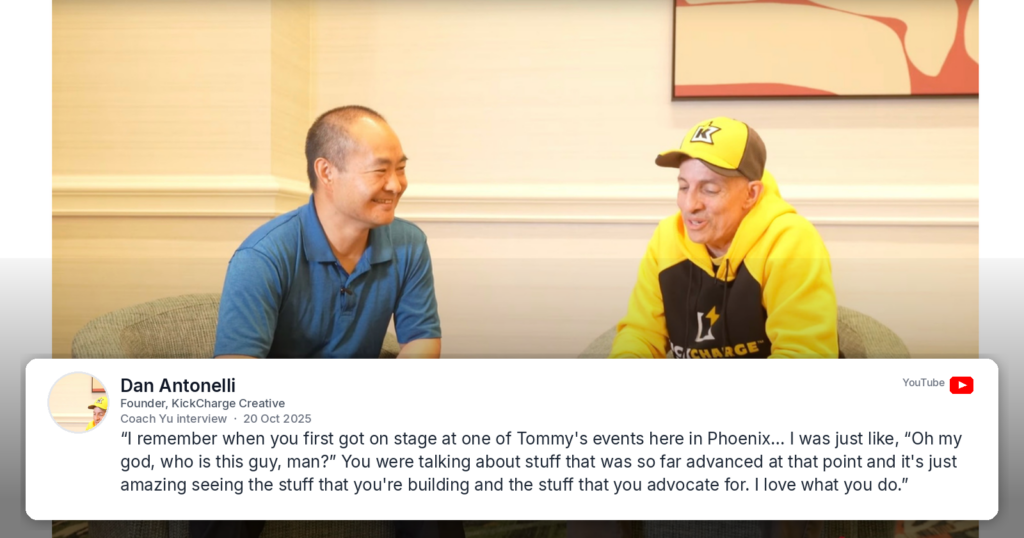
You already have positive mentions. People have said good things about you on podcasts, on stage, in recommendations, in posts. This is how to turn each one into an image you can place on a page, step by step.
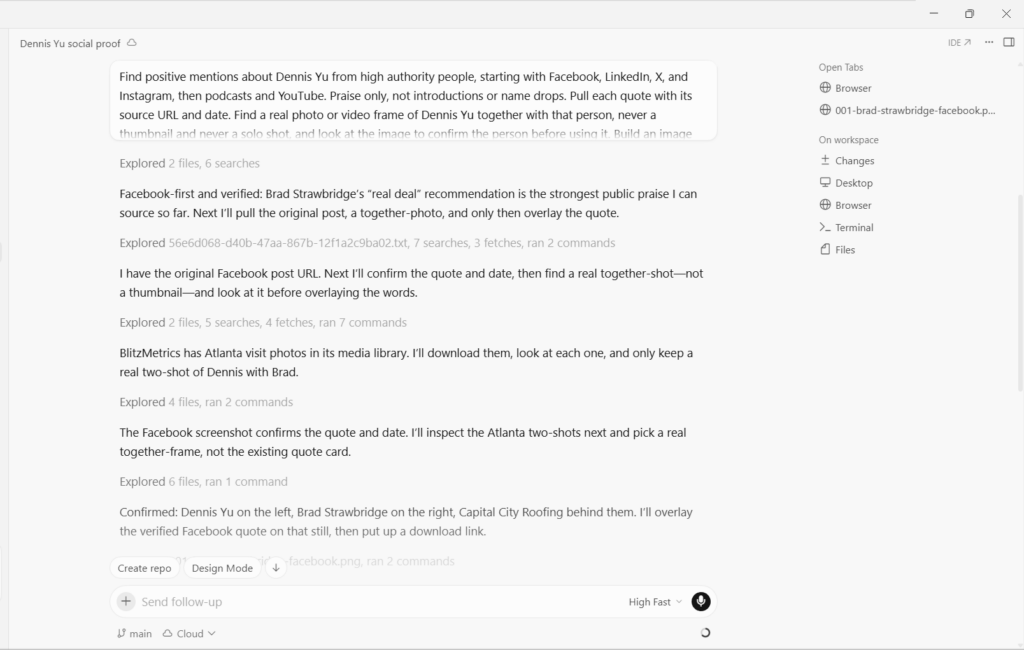
Cursor does the work. It finds the mention, pulls the quote with its source, finds a photo of you with the person, and builds the image. Your job is to set the standard and check what comes back.
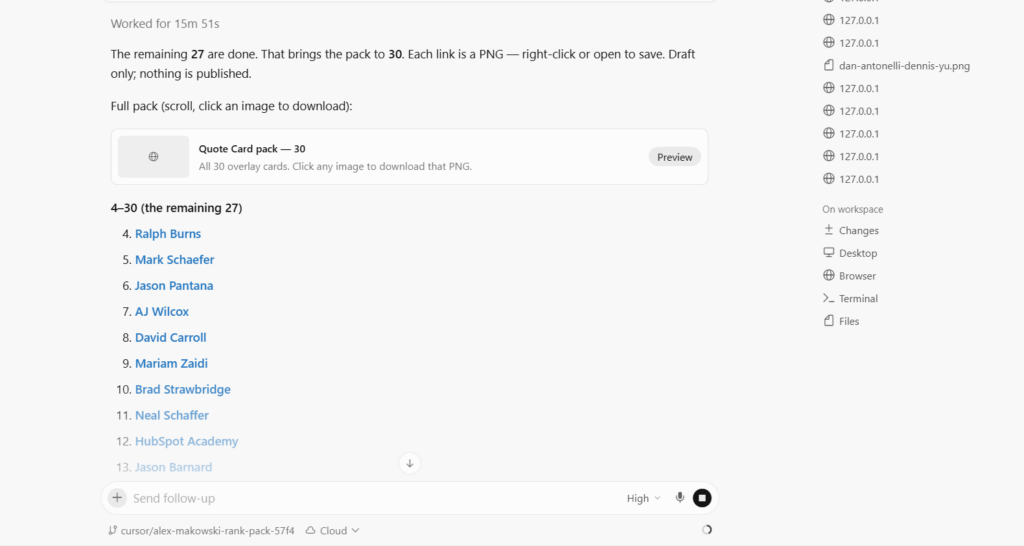
Each step starts with what to say. Paste it, adjust the names, and go.
Step 1. Point Cursor at the mentions
Search Facebook, LinkedIn, X, and Instagram first, then podcasts and YouTube, for positive mentions about me from high authority people. A positive mention is someone praising me. It is not an introduction, not a name drop, not me being listed alongside other people, and not someone talking mainly about themselves. Introducing a guest is not praise unless the introduction itself praises. For each one give me the person’s name, why they carry authority, the verbatim quote, the source URL, and the date. Do not include anything you cannot source.

Start with the social platforms. Video is easier to build an image from because the frame is already there, which is exactly why an agent will over-rely on it and come back with introductions instead of praise.
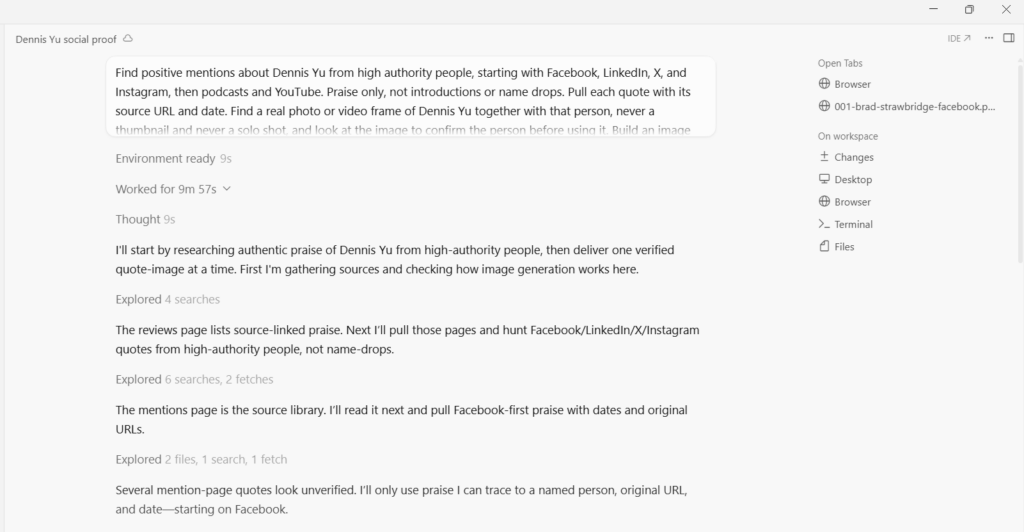
Step 2. Set the working rules
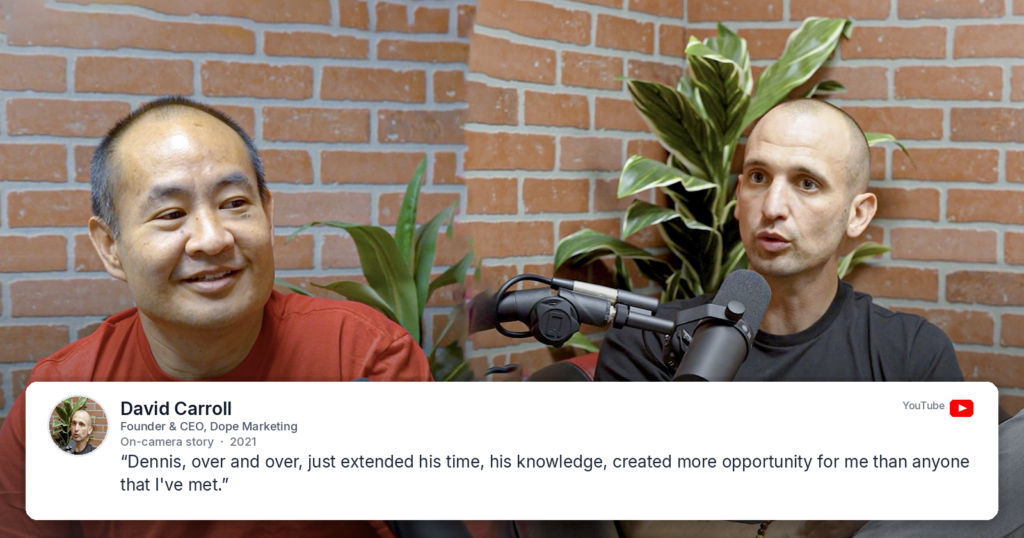
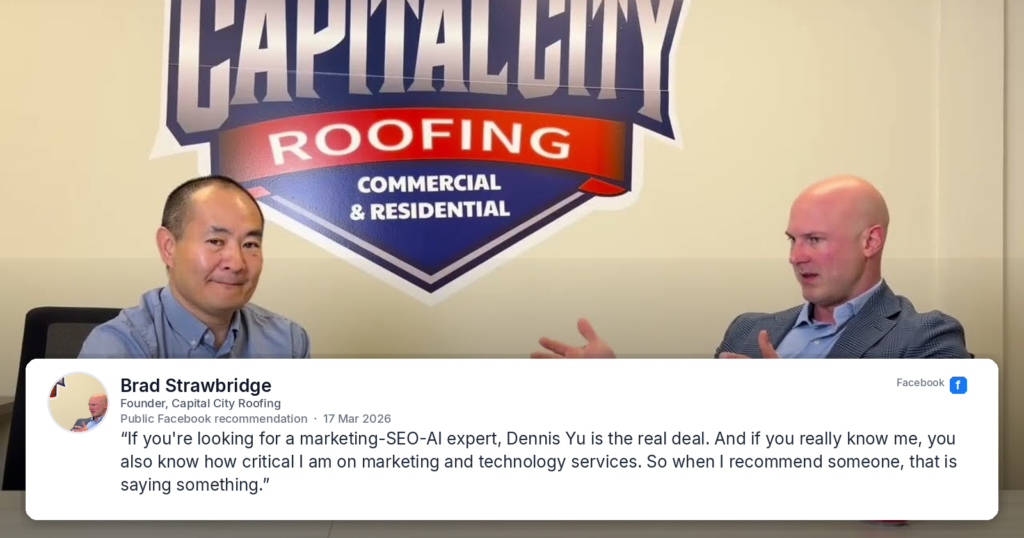
Build these as images. One image is one mention: a photo of me together with the person who said it, with their words laid over the top. Before you use any photo, look at it and confirm it is the right person and that both of us are in it. Never use a video thumbnail. Work one image at a time. Give me a download link on a file host, not a local address. Do not start the next until I approve. Name every file after the person. Never write a quote yourself, only use words that were actually said.
Say this once at the start and it holds for the whole run.
Step 3. Review the first image properly
Check five things.
The words are actually praise, not an introduction.
The face matches the name.
The quote is word for word what was said, with a source you can open.
Both of you are in the photo, and it is a real frame or a real photo, not a designed thumbnail and not a solo shot.
The file is named after the person.
The first approved image becomes the standard for everything after it, so do not accept one you are only half happy with.
Step 4. Fix the photo when it is wrong
Three problems come up constantly.
A designed thumbnail used as the background. A thumbnail is a graphic. It proves nothing and it looks like marketing.
That is the video thumbnail, not a real frame. Play the video, find a moment where both of us are on screen, and use that frame instead. Keep the text exactly as it is.
A photo of the right person on their own.
That photo is only NAME. I need a photo with both of us in it. Same quote, different background.
The wrong person entirely, which happens when several images are in flight.
That is not NAME in the photo. Look at the image before you use it and rebuild with the correct person.
If the quote came from video, the frame already exists. Someone just has to look for it.
Scrub the source video and pull a still where NAME and I are both visible and it looks like a conversation. Do not use the thumbnail or any designed artwork.
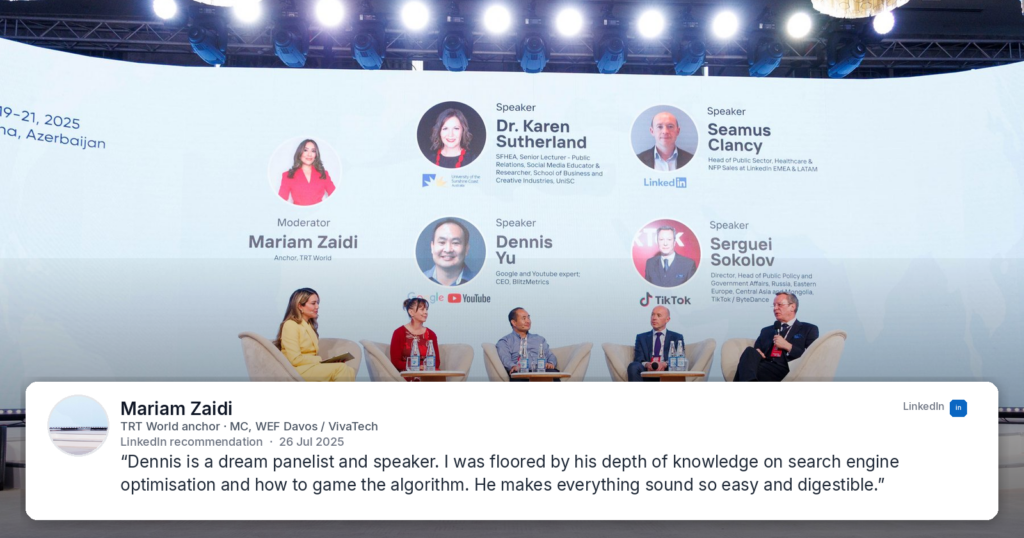
Only when the source is text, like a Facebook post or a LinkedIn recommendation, do you go hunting for a separate photo of the two of you.
Step 5. Save it immediately
Ask for links on a file host from the start. Local addresses do not reach your computer, and every attempt to fix them wastes a round.
That link is a local address and does not reach my computer. Upload the file and give me a public download link instead
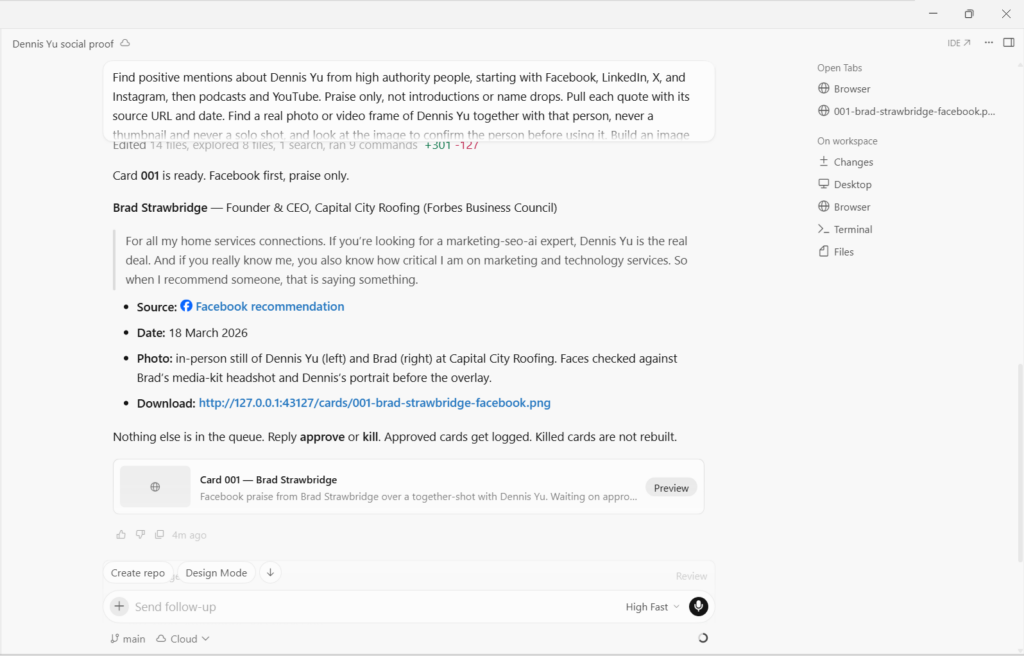
File hosts usually expire after a few days, so download each image as it arrives rather than trusting the link to still be live later. Approved and unsaved is the same as not done.
Step 6. Log the row
Add a row to the log with the source URL, who said it, the date, and where I plan to use it.
Do this at approval, not at the end. A folder of images with no log is an archive nobody else can use. A logged set is something your team or an agent can pick up and run.
Step 7. Do two or three more, one at a time
Next one. Same format, same rules. Give me the download link.
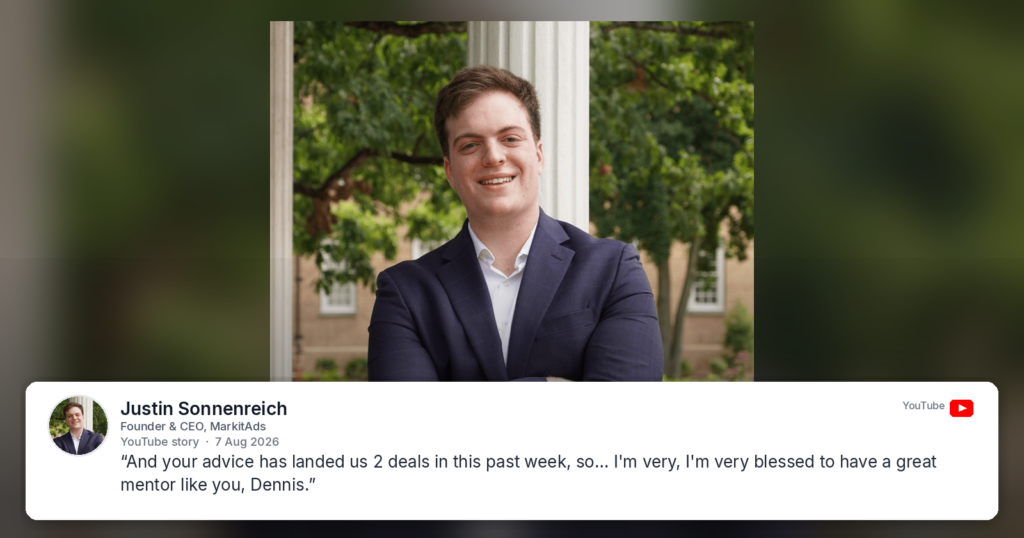
Working this way is what makes a set look like one set. It also stops two images being confused for each other when previews go stale.
Step 8. Batch the rest
Once two or three approved images exist, the standard is visible.
The standard is set by the approved images. Build the rest the same way and give me every download link in one list, plus a zip of the full set. Do not wait for approval between them.
Ask for a batch before that point and you get variations rather than a set.
Step 9. Check the batch against four known failures
Quotes that are not praise. Introductions, name drops, and group lists all get through if you do not read every line individually. This removes more images than everything else combined.
Thumbnails and artwork used in place of a real photo.
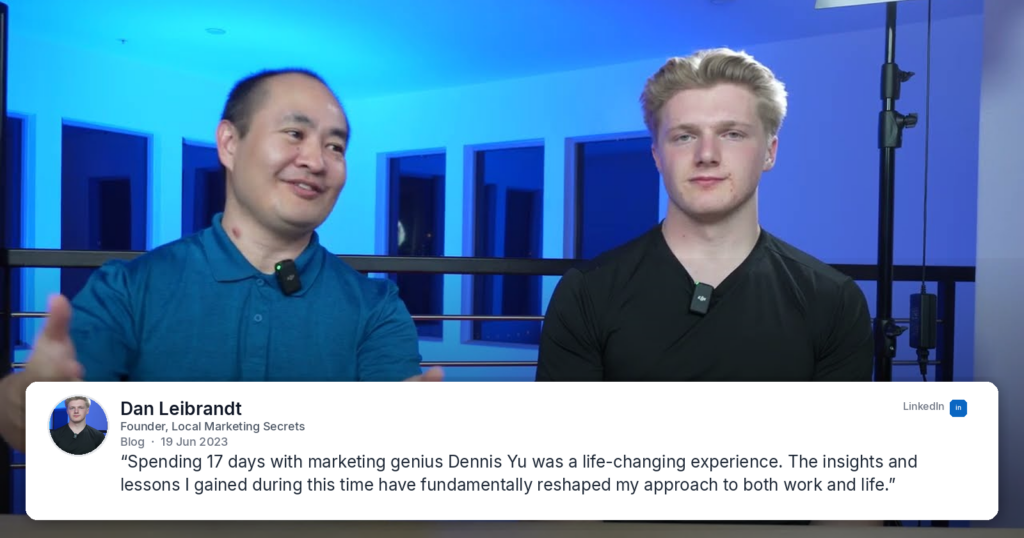
The wrong person in the photo. Check every face against every name.
An image you already killed, quietly reinstated. Keep your own kill list and compare.
Drop everything that is an introduction rather than praise. List any on a thumbnail or artwork instead of a real photo of the two of us. Search Facebook, LinkedIn, X, and Instagram for replacements.
Step 10. Place each image where it does work
An image beside the claim it supports beats ten stacked in a testimonial block at the bottom of a page.
Match the speaker to the audience. A mention from someone respected in home services goes on the page selling to home services. A mention from a search authority goes beside the search offer.
Rules that never change
Praise only. An introduction is not a mention.
The quote is verbatim. No tightening, no grammar fixes, no merging two sentences that were a minute apart.
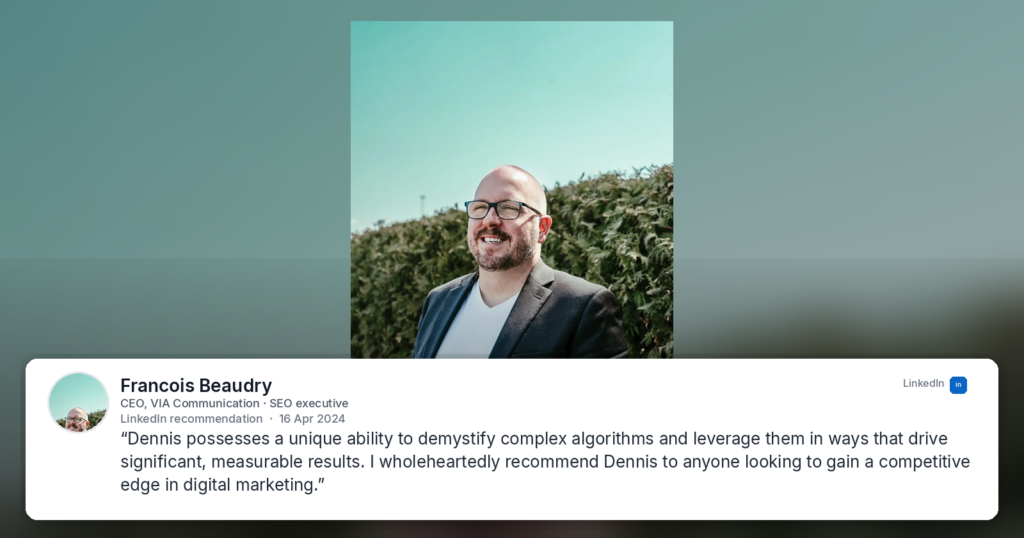
Never let Cursor write a quote. One invented line makes every other image questionable.
Never accept a thumbnail, artwork, or a solo photo in place of a real photo of the two of you, unless you are flagging it as a placeholder.
Never republish something you killed.
Handing this to an agent
The whole process fits in a short brief.
Find positive mentions about me from high authority people, starting with Facebook, LinkedIn, X, and Instagram, then podcasts and YouTube. Praise only, not introductions or name drops. Pull each quote with its source URL and date. Find a real photo or video frame of me together with that person, never a thumbnail and never a solo shot, and look at the image to confirm the person before using it. Build an image with the words over the photo. Deliver one at a time with a public download link and wait for approval. Log every approved one. Never invent a quote and never rebuild something I killed.
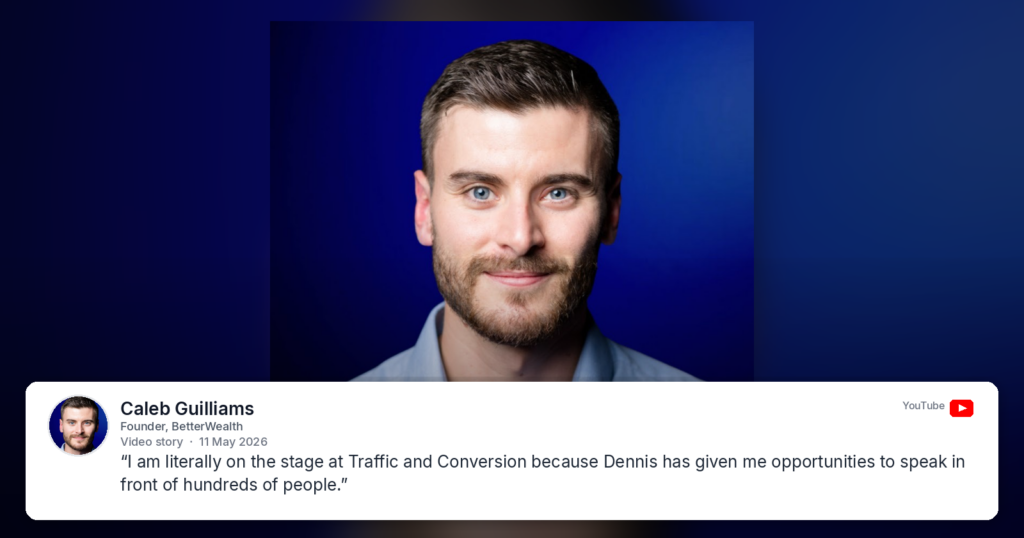
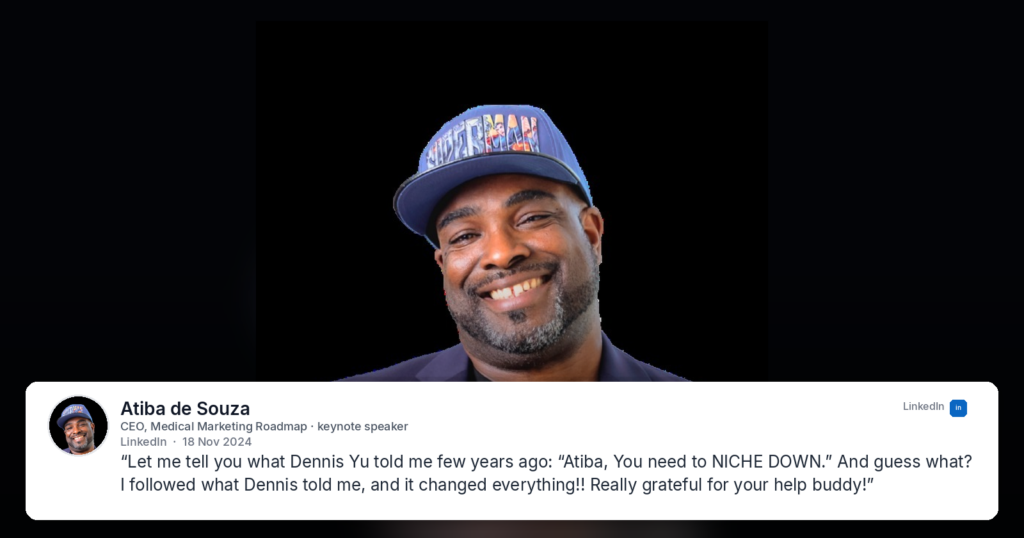
The images from this run
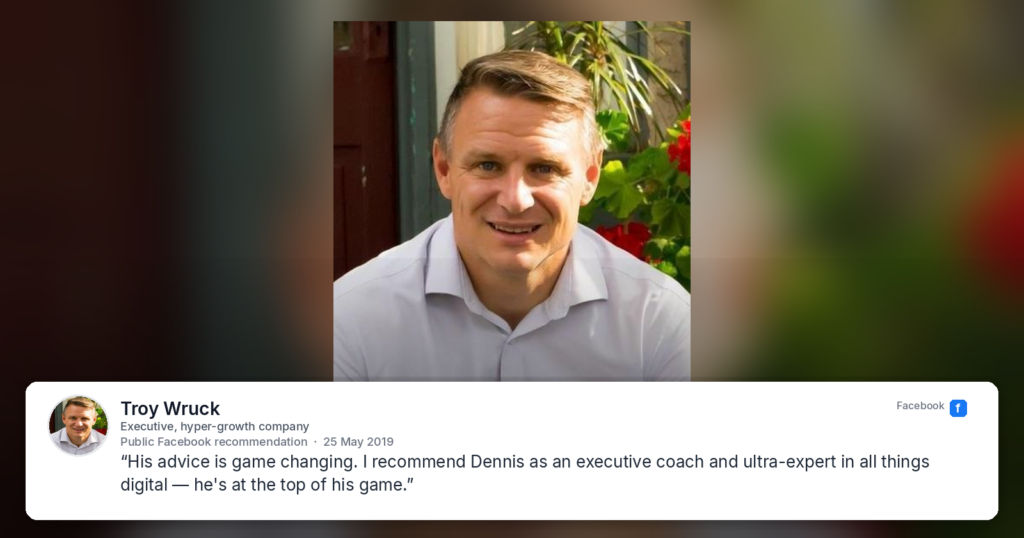
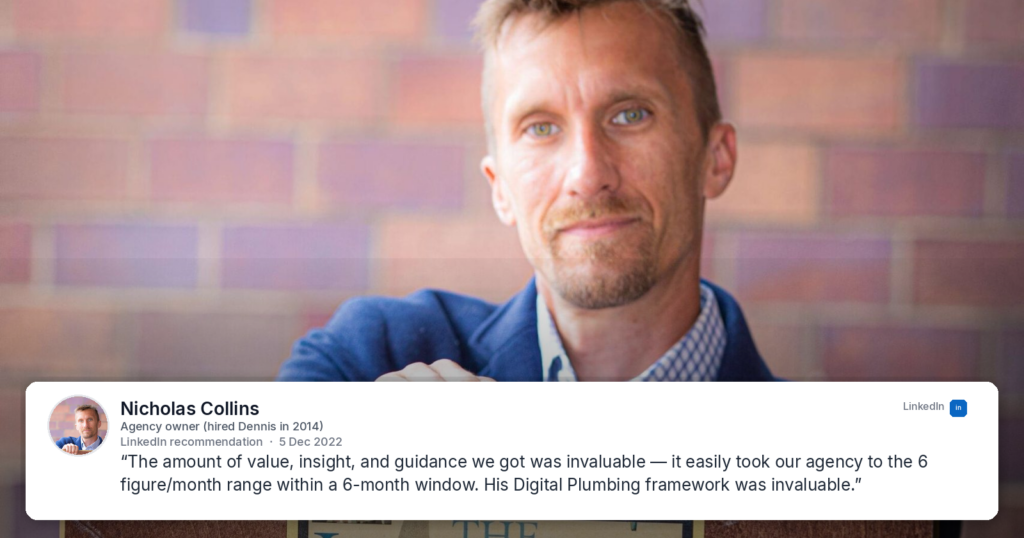
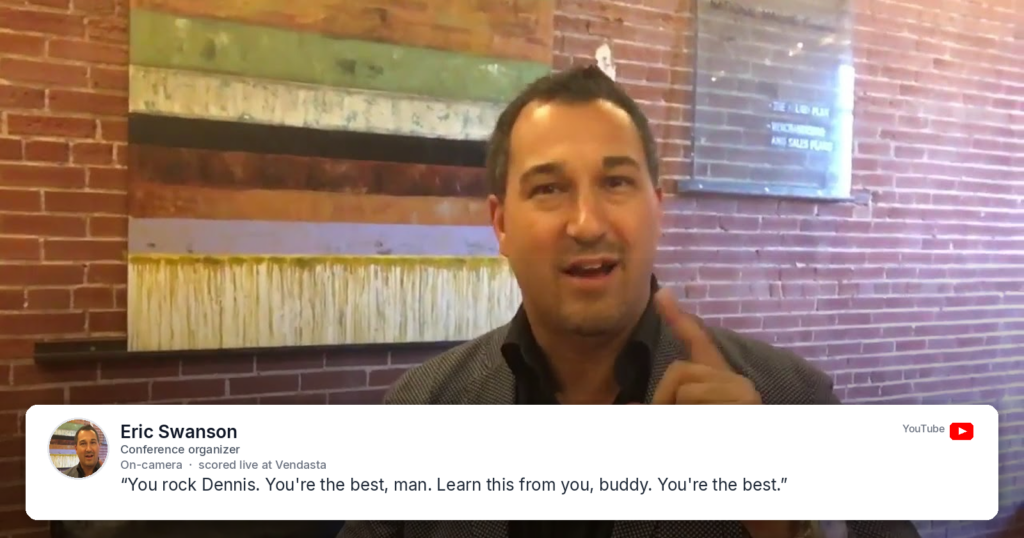
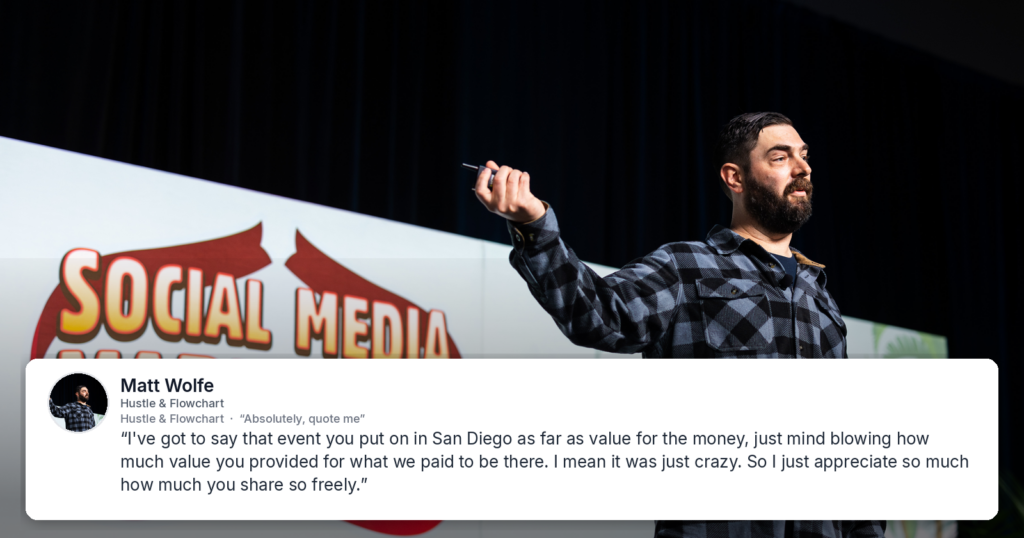
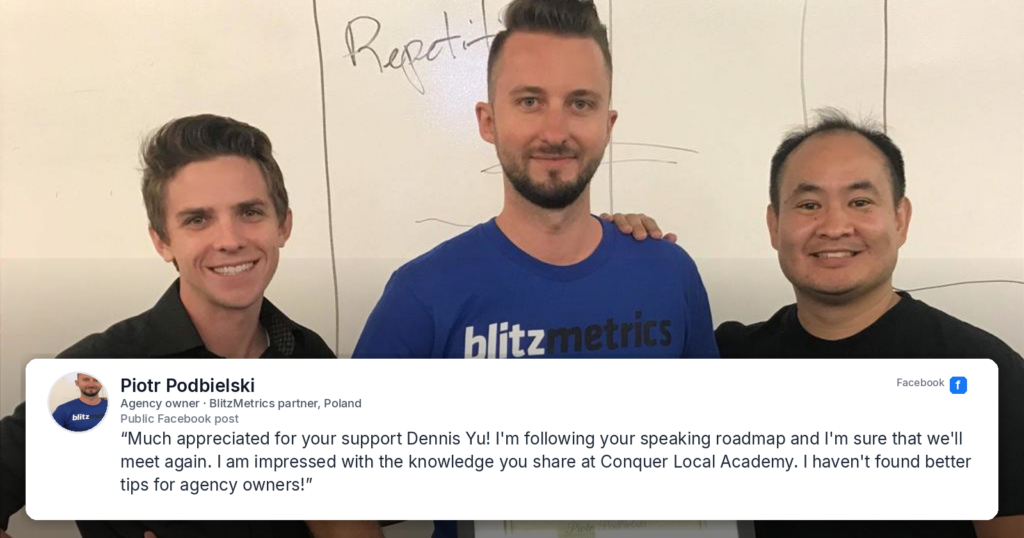
Below are the images built with this process.

Originally published .
Dennis Yu
Dennis Yu is the CEO of Local Service Spotlight, a platform that amplifies the reputations of contractors and local service businesses using the Content Factory process. He is a former search engine engineer who has spent a billion dollars on Google and Facebook ads for Nike, Quiznos, Ashley Furniture, Red Bull, State Farm, and other brands.
Dennis has achieved 25% of his goal of creating a million digital marketing jobs by partnering with universities, professional organizations, and agencies. Through Local Service Spotlight, he teaches the Dollar a Day strategy and Content Factory training to help local service businesses enhance their existing local reputation and make the phone ring.
Dennis coaches young adult agency owners serving plumbers, AC technicians, landscapers, roofers, electricians, and believes there should be a standard in measuring local marketing efforts, much like doctors and plumbers must be certified. He has appeared on 353 podcasts with 619 credited episodes — see the full list of his podcast appearances.