Knowledge Graph Explorer - Beta
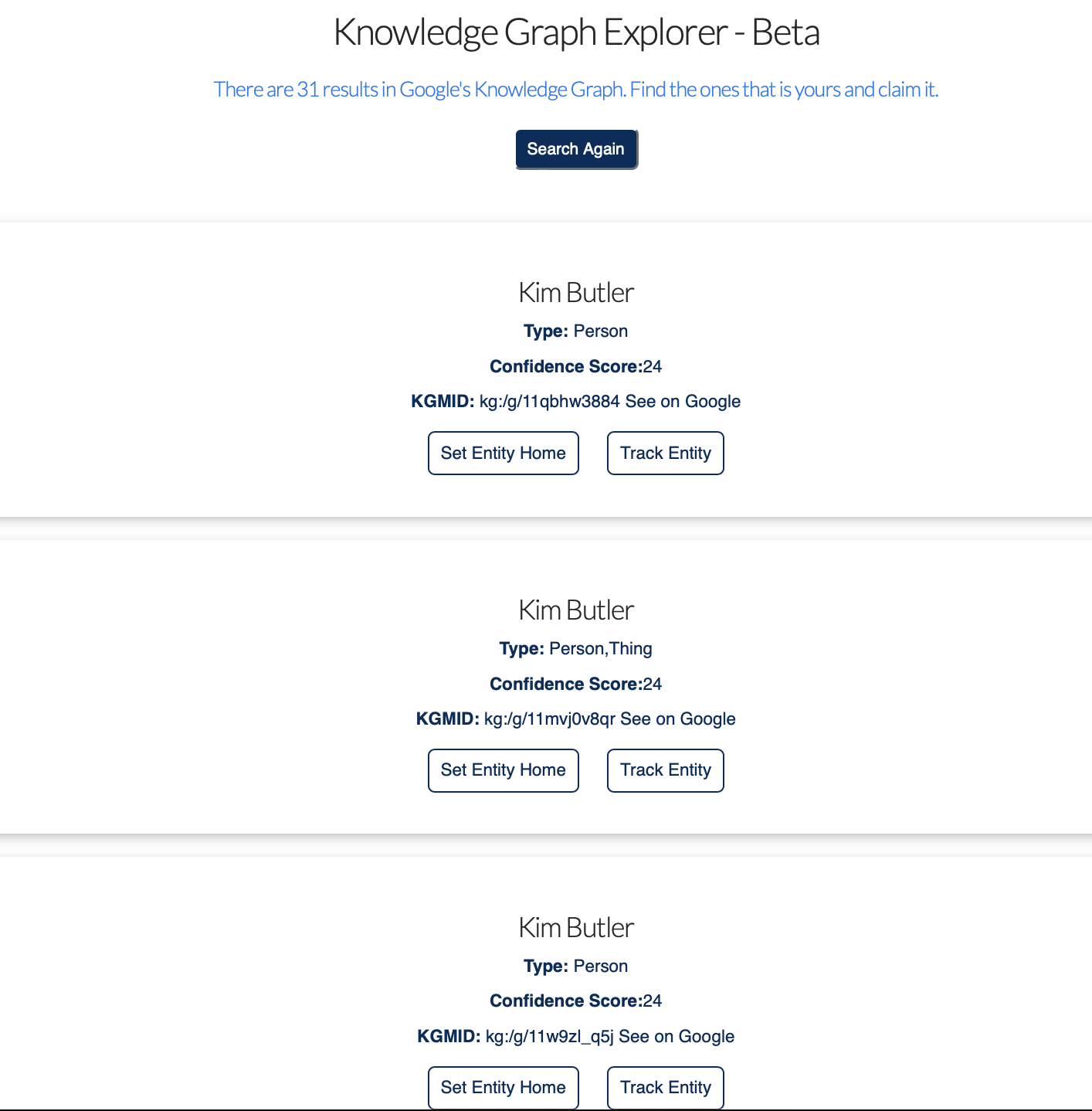
Our Knowledge Graph Explorer returns entity matches and their Knowledge Graph Machine IDs (KGMIDs). Compare each result with your official site and profiles before deciding which record represents you. The Explorer score helps rank matches for the search; it does not establish that two records belong to the same person or predict whether Google will display a panel.
Here’s how it works:
1.) Enter your full name into the tool and hit search. In this instance, we searched for “Anthony Hilb” of Bloomington Landscaping.
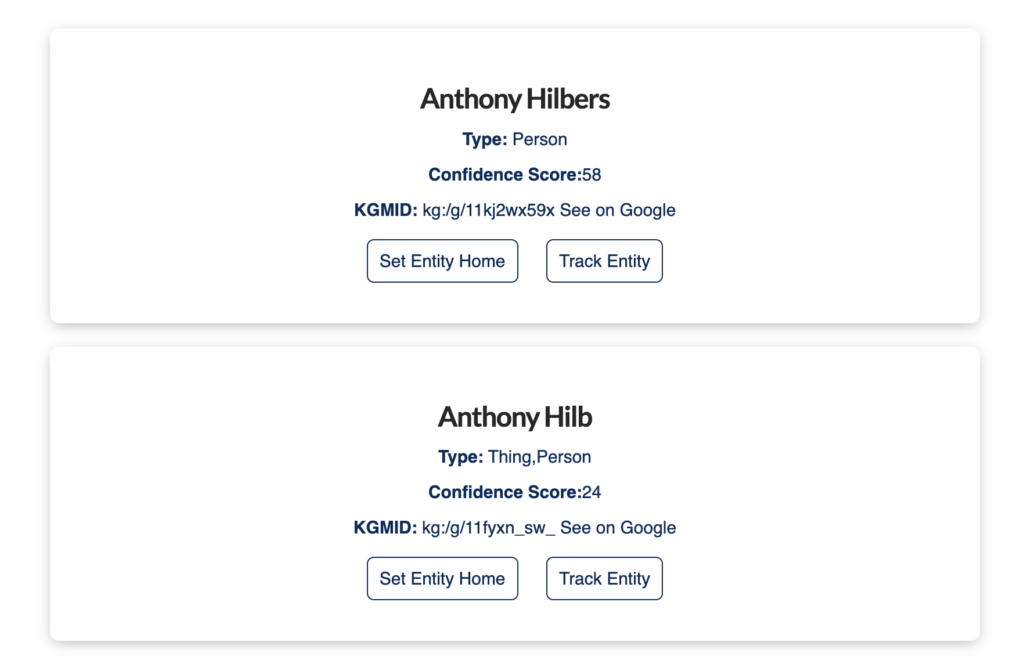
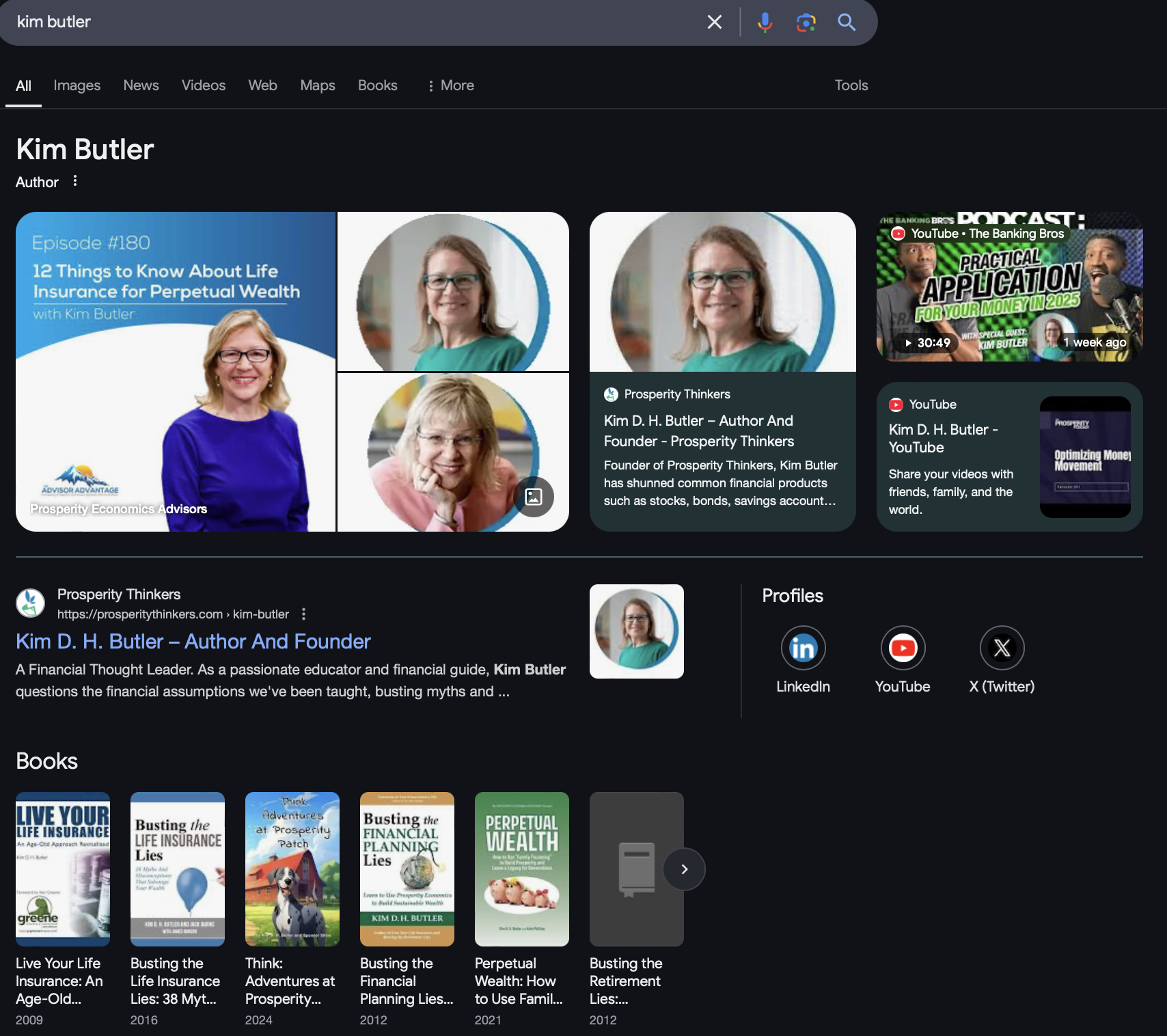
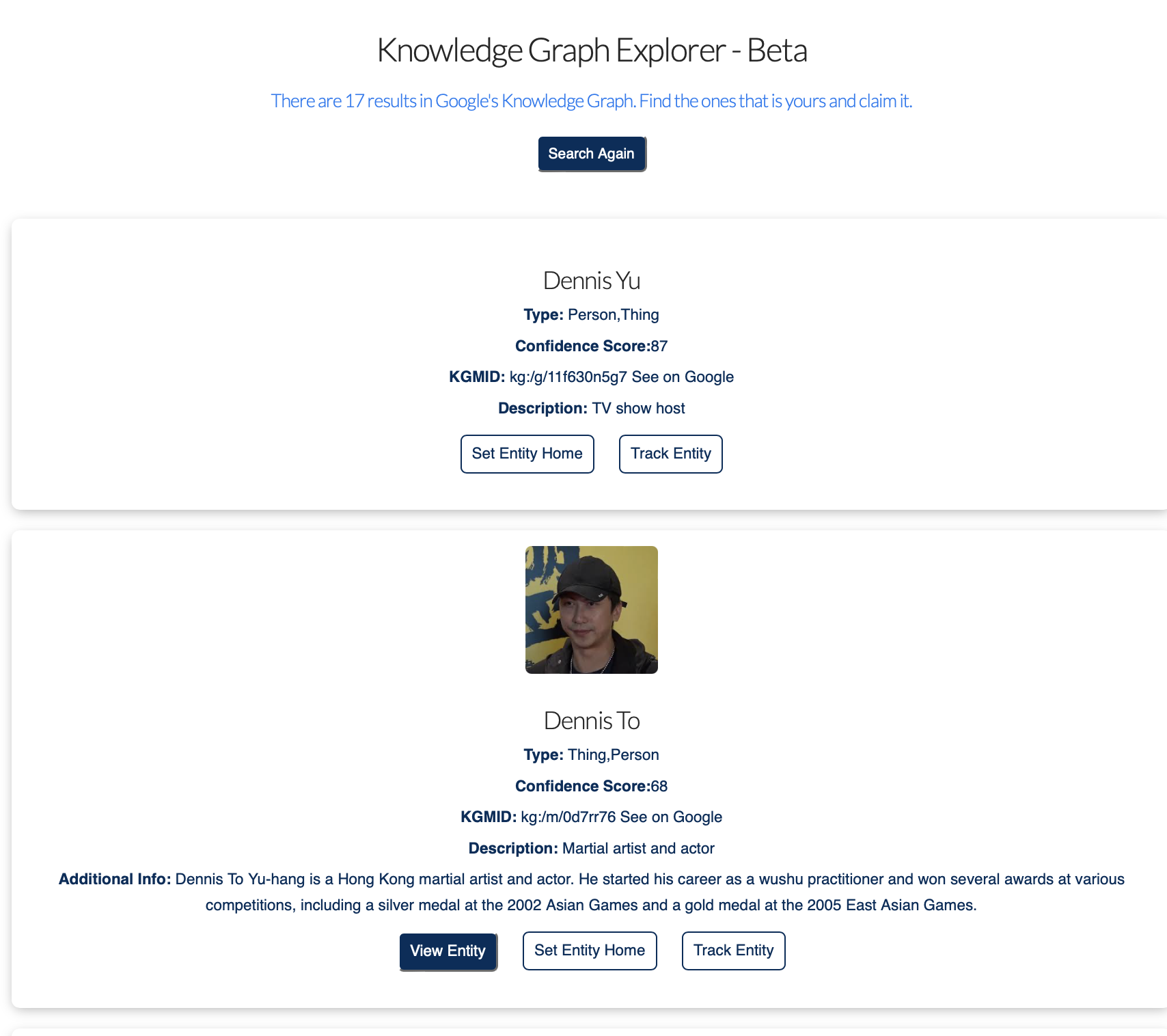
2.) Several results may appear for the same name. Use “See on Google” to inspect each record, then compare the linked website, profiles, work, and other identifying details. Save the KGMID and Google URL for the record you can verify as yours.
In the case of Anthony Hilb this is what came up.
If two records genuinely represent the same person, use our duplicate Knowledge Panel merge guide for the Google support route, video walkthrough, and evidence templates. If you are ready to verify a visible panel, follow the claim walkthrough.

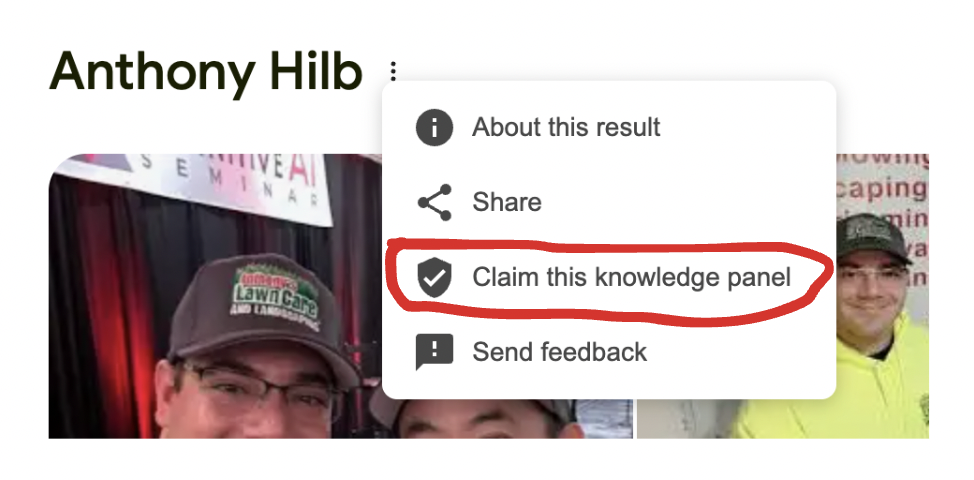
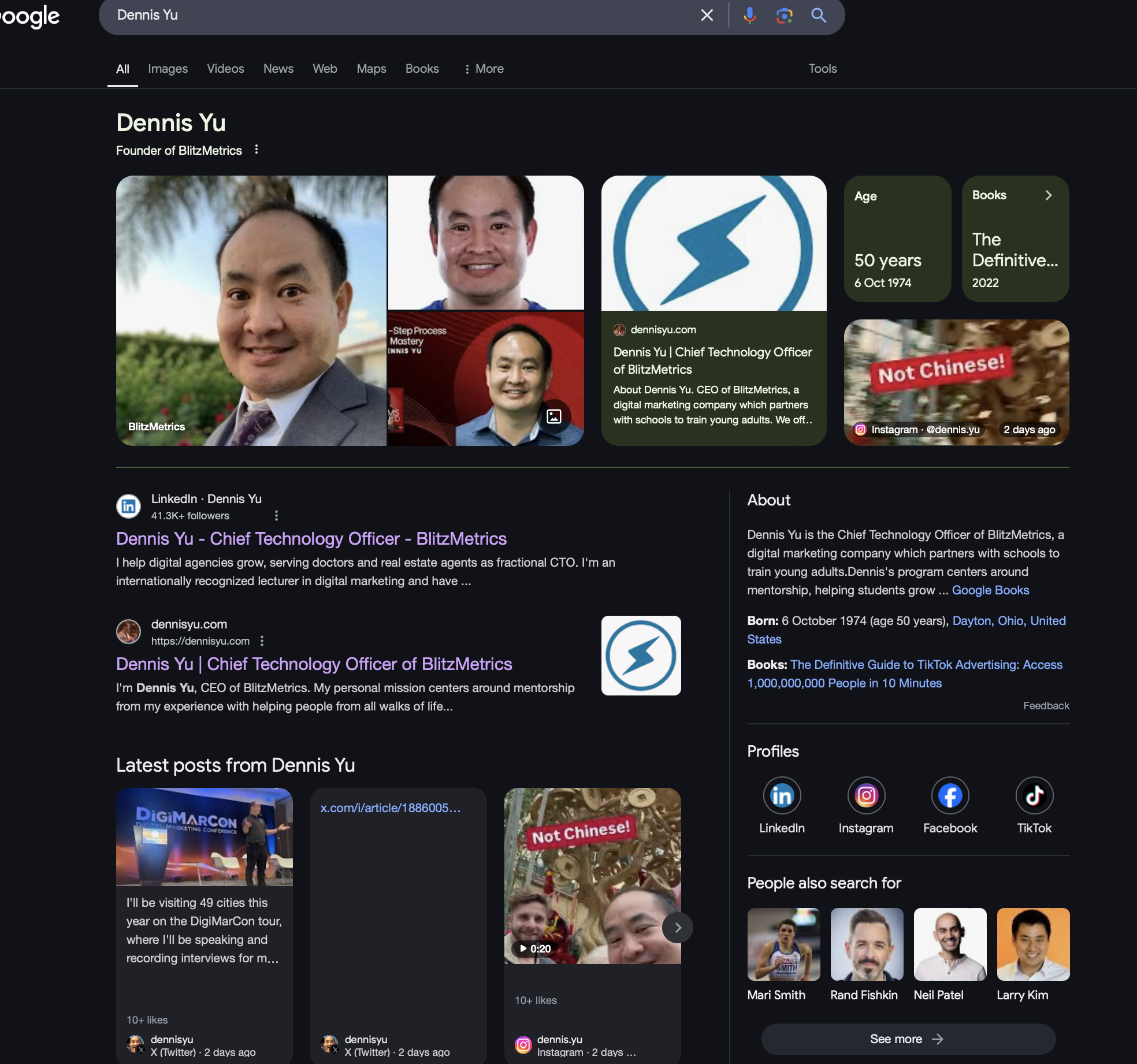
3.) Click the three dots next to your name at the top. Then click on “Claim this knowledge panel.” You’ll go through Google’s short verification process. It’s best to do this yourself, since Google will ask for information like an ID.
And you’re done!
For more info on how to claim your knowledge panel, we’ve put together a guide showing you how the process works and more info on how to claim it in just 5 minutes.
More examples
Dennis Yu
Kim Butler