
 by
by
When a client relationship ends, the links stay behind. On your agency site, your content networks, your founder’s personal site, your spotlight pages. Every one of those links is still passing authority to a brand you no longer represent. Every one of them is a credibility risk if the client’s site goes sideways after they leave.
This article documents exactly how we removed every backlink for a departing client across four properties in under an hour using AI agents. Any agent on the team, human or AI, can follow this process for the next deboarding.
Why this step matters more than people think
Most agencies skip link cleanup when a client leaves. They cancel the retainer, maybe remove the client from monitoring, and call it done. The links sit there for months or years.
Here is what those leftover links actually cost you. They dilute your link equity by passing authority to a site you no longer control. They confuse visitors who click through and land on a site that has nothing to do with you anymore. They create contractual exposure if the service agreement required removing references upon termination. And they make your portfolio look sloppy, listing work you are no longer responsible for.
Link removal is not a nice-to-have. It is part of the professional deboarding process, sitting right next to billing cancellation and monitoring removal in the standard checklist.
Inventory every property you control
Before touching a single link, build the list. You cannot remove what you have not found.
Walk through every web property your agency controls or contributes content to. Your main agency site. Content network sites like guest post platforms and niche directories. Partner or affiliate sites. Personal sites belonging to team leads or founders. Social media profiles and posts where the client was tagged or mentioned. Case study pages, portfolio sections, testimonials.
For our deboarding, we identified four properties with client links: a local business spotlight site, a high-authority content network site, a founder’s personal site, and the main agency site. Four properties, dozens of potential link locations across hundreds of pages.
Deploy an AI agent to scan each property
This is where the process changes from painful to fast. Instead of clicking through every page on four different sites, hand the job to an AI agent.
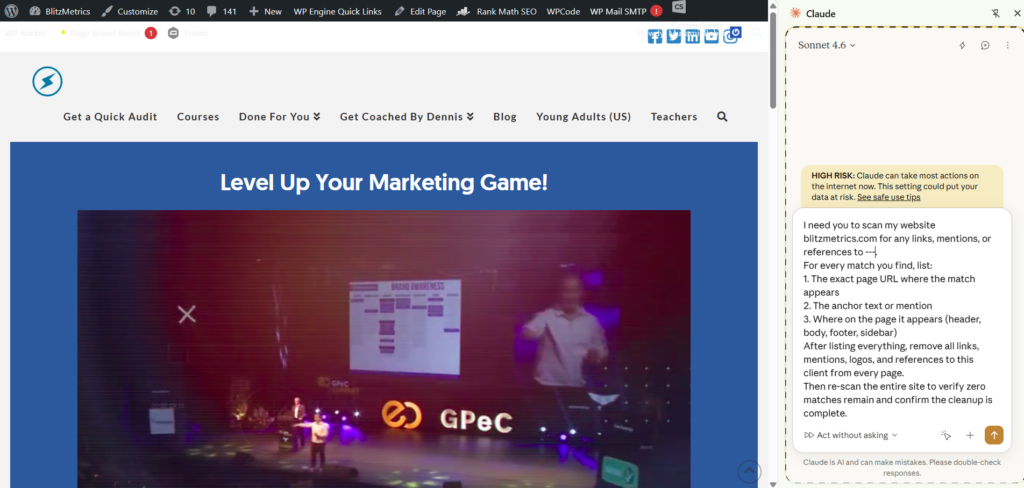
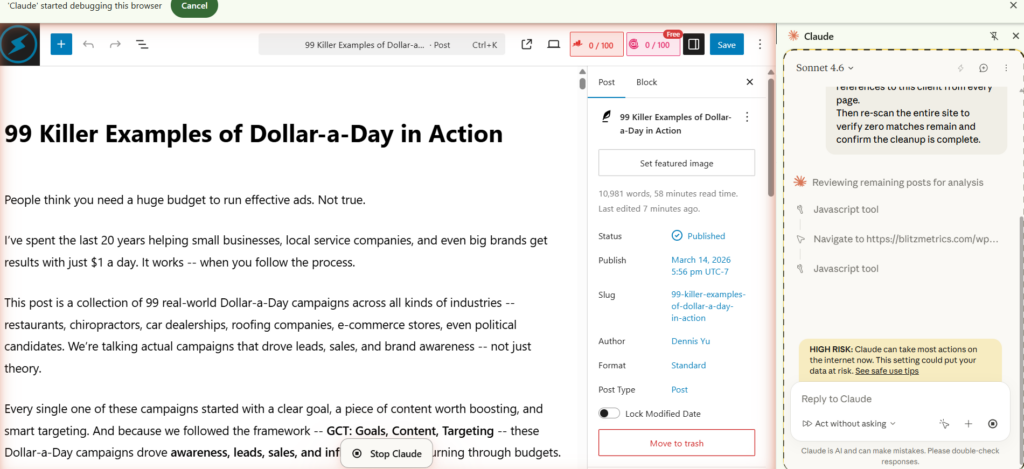
The prompt is simple. Tell the agent to scan the website for any links, mentions, or references to the client name or client domain, and to list every page URL where a match is found along with the specific anchor text or mention.
“I need you to scan my website [YOUR WEBSITE URL] for any links, mentions, or references to [CLIENT NAME] or [CLIENT DOMAIN].
For every match you find, list:
- The exact page URL where the match appears.
- The anchor text or mention.
- Where on the page it appears (header, body, footer, sidebar).
After listing everything, remove all links, mentions, logos, and references to this client from every page.
Then re-scan the entire site to verify zero matches remain and confirm the cleanup is complete.”
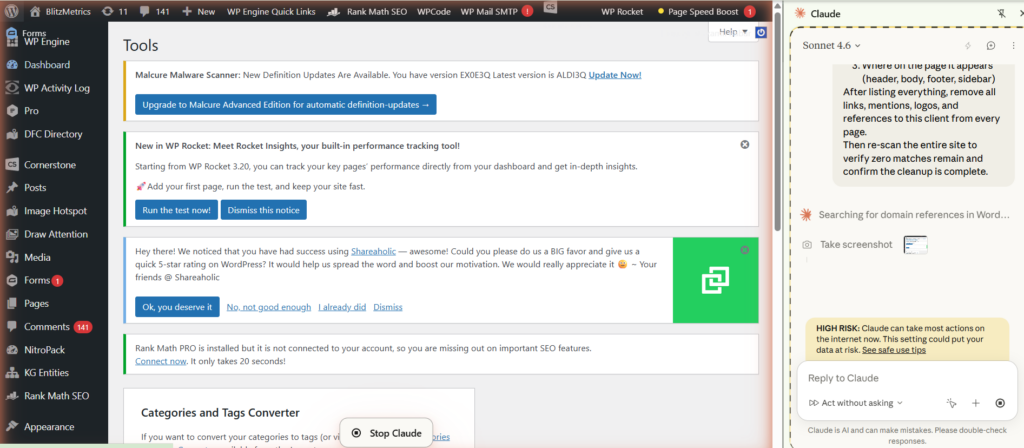
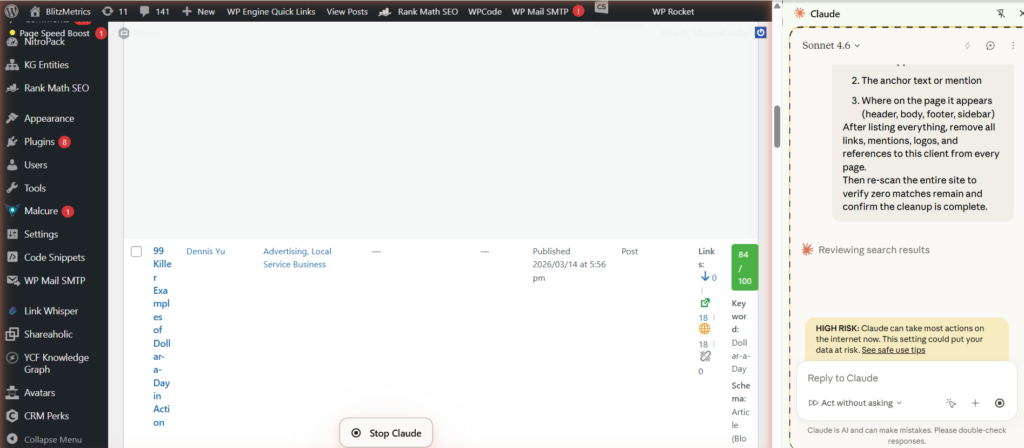
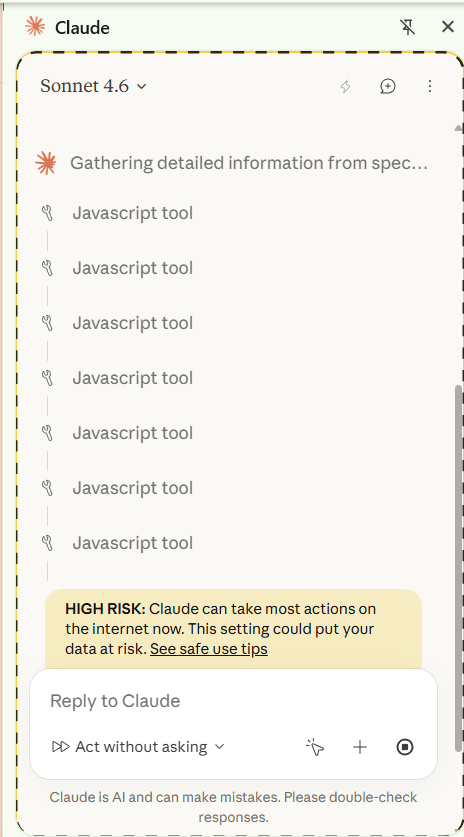
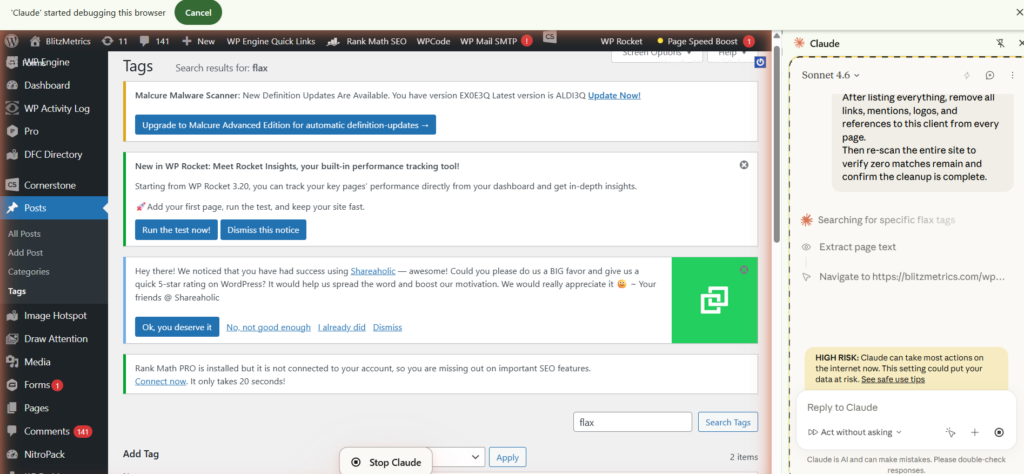
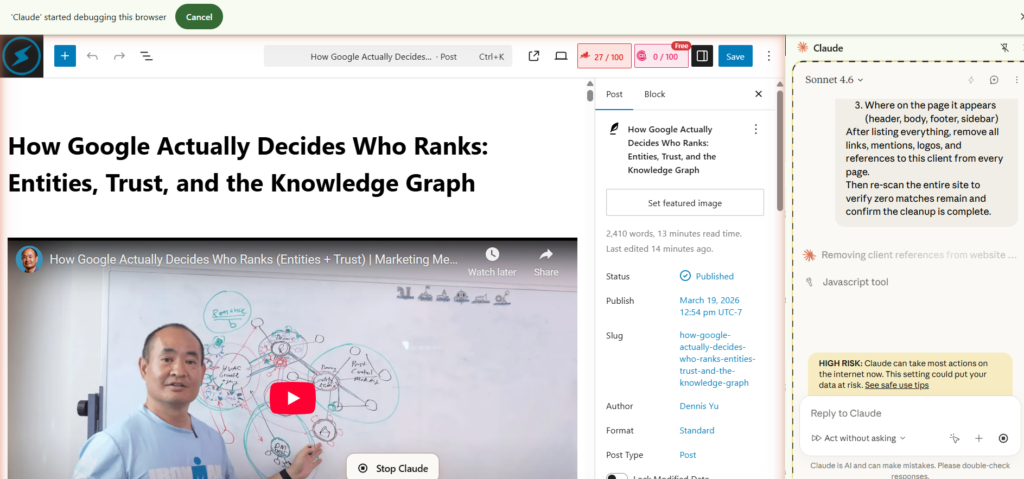
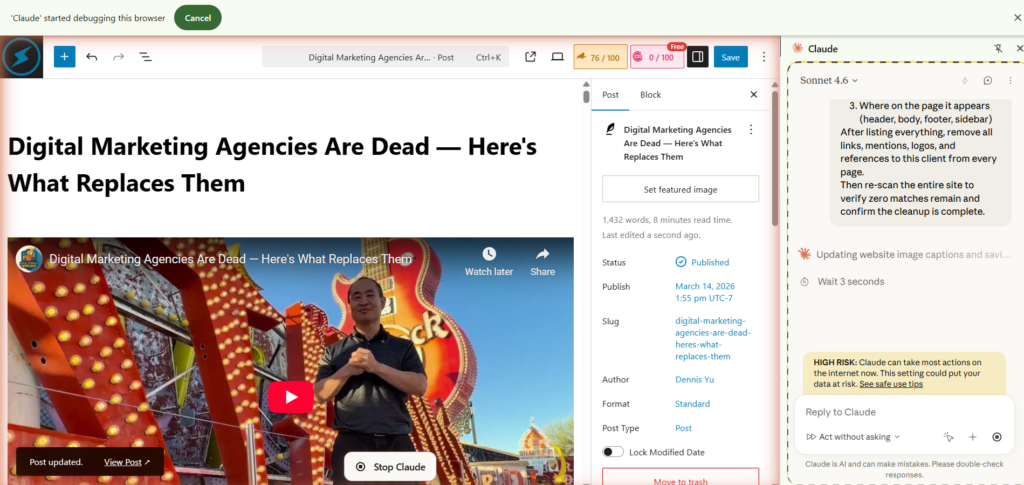
Claude will return a comprehensive list in seconds. It catches links buried in old blog posts, footer sections, sidebar widgets, and pages that a human would need an hour of clicking to find. Run this scan on every property in your inventory.
For human agents following this process manually: use your browser’s site search (site:yourdomain.com “client name”) as a starting point, then check common hiding spots like footer partner sections, case study pages, and resource lists.
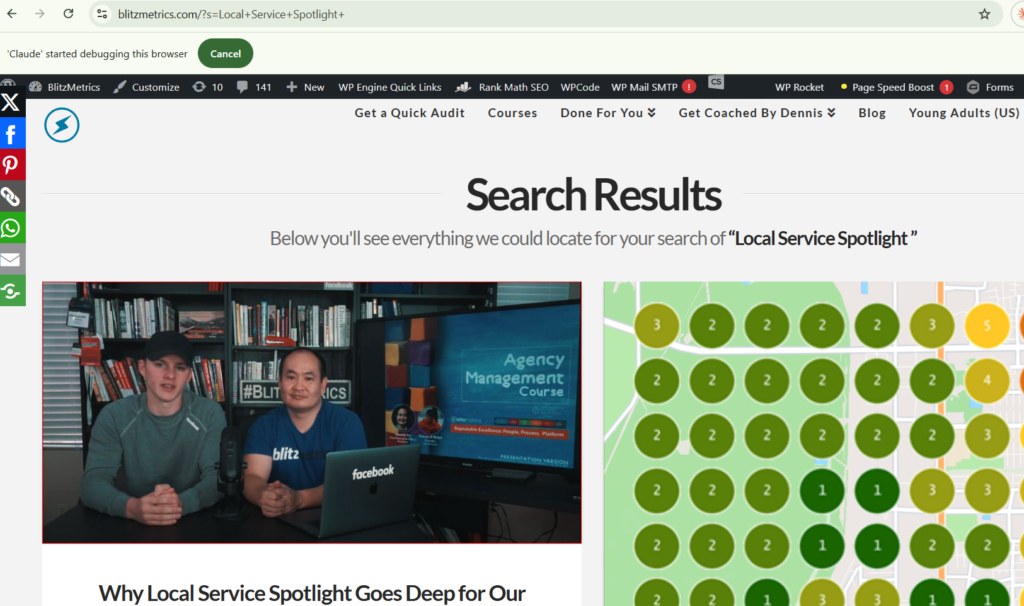
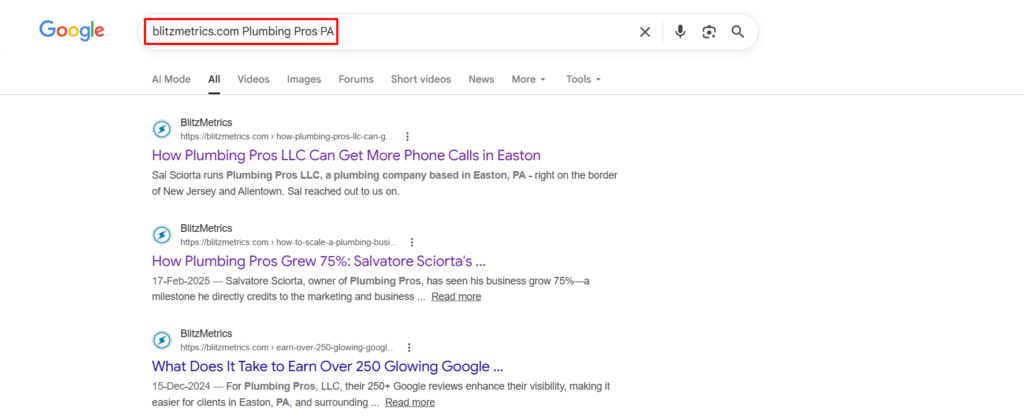
The AI agent approach is faster, but the manual method works when you need it.
Remove everything, not just the hyperlinks
Once the scan comes back, start removing. But be thorough. Most people think “remove links” means deleting the hyperlink. It means more than that.
Remove the hyperlinks themselves. Remove plain text mentions of the client name. Remove logo placements or images referencing the client. Remove embedded content like maps, videos, or widgets associated with the client. Remove internal anchor links to case studies or testimonials that feature the client.
If the AI agent has CMS access, it can make the edits directly. If not, have it generate a task list with the exact page URLs, the specific content to remove, and the location on each page. A human agent can execute that list in minutes because all the thinking is already done.
Audit the removal, do not skip this
This is the step that separates a professional deboarding from a sloppy one. After removing links, verify.
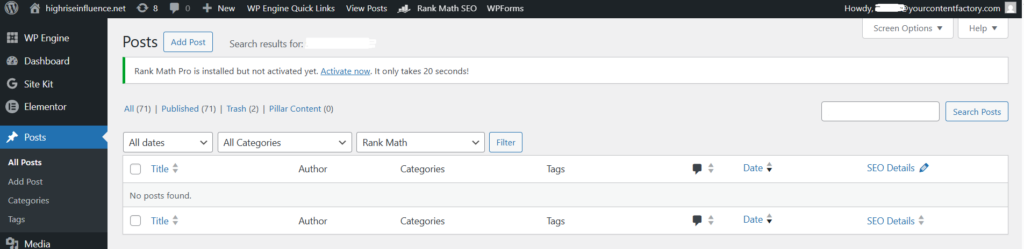
Have the same AI agent re-scan each property to confirm zero matches remain. Better yet, have a second agent audit the first agent’s work for an independent check. Either way, the verification scan should come back clean.
Then take screenshots. For each property, capture the scan results showing no remaining links. This is your documentation. This is what you show if the client or your own team ever asks whether the cleanup was actually completed.
In our deboarding, the agent removed all links across four properties, then we ran verification scans on each one. Every scan came back clean. Screenshots were captured and filed.
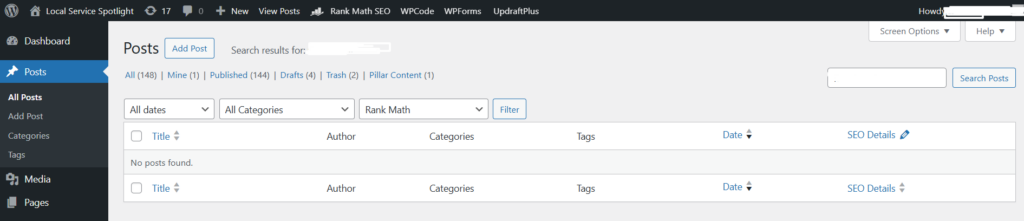

Document with before and after evidence
For each property in the deboarding, save three things. A record of the links that existed before removal. A screenshot confirming the links are gone after removal. The date and time the removal was completed.
This audit trail protects your agency. It also creates a reusable reference that shows future agents, human or AI, exactly what a completed link removal looks like.
Pull Maps and Facebook reviews too
A leftover Google Business Profile manager seat is the same living vote as a leftover dofollow. So is a leftover Facebook Page role. You still get their 5-star review pings on your phone. Google still treats you as associated with the listing. Facebook still thinks you speak for the Page. Pull those for the same reason you pull links. Not to edit their listing. Not to delete their reviews. Yank our access and our follows so the association ends. The method is in When Trust Ends, the Endorsement Link Ends.
☐ Remove our GBP manager users. Unfollow the listing in Google Maps so review pushes stop. Do not transfer ownership. Do not orphan a listing if we are the only Owner.
☐ Leave Facebook Page roles, unfollow the Page, turn off review notifications. Do not delete reviews they earned.
☐ Unlink GBP, Maps, and Facebook review widgets on properties we publish.
Checklist for client link removal
☐ Inventory all agency-controlled web properties.
☐ Scan each property for client links, mentions, and references using an AI agent or manual site search.
☐ Remove all links, mentions, logos, embedded content, and references.
☐ Audit the removal with a second scan or an independent agent check.
☐ Capture before and after screenshots for each property.
☐ File the documentation in the client’s offboarding record.
☐ GBP manager and Maps follow gone. Facebook Page roles and review notifications gone. Their reviews not deleted.
Originally published .
Dennis Yu
Dennis Yu is the CEO of Local Service Spotlight, a platform that amplifies the reputations of contractors and local service businesses using the Content Factory process. He is a former search engine engineer who has spent a billion dollars on Google and Facebook ads for Nike, Quiznos, Ashley Furniture, Red Bull, State Farm, and other brands.
Dennis has achieved 25% of his goal of creating a million digital marketing jobs by partnering with universities, professional organizations, and agencies. Through Local Service Spotlight, he teaches the Dollar a Day strategy and Content Factory training to help local service businesses enhance their existing local reputation and make the phone ring.
Dennis coaches young adult agency owners serving plumbers, AC technicians, landscapers, roofers, electricians, and believes there should be a standard in measuring local marketing efforts, much like doctors and plumbers must be certified. He has appeared on 353 podcasts with 619 credited episodes — see the full list of his podcast appearances.